
Mobile, laptop & tech store setup guide
This guide sets up a mobile phone, laptop and accessories shop with a repair counter on SmartPOS Hub, step by step. You finish with your branches, an imported phone and laptop catalog, storage and colour variants, IMEI on every phone sale, warranties, a working repair desk, customer credit and the reports you check every day.
Who this guide is for
Section titled “Who this guide is for”- Phone shops that sell new phones, tablets, smartwatches and accessories.
- Laptop and computer shops that sell laptops, printers, storage and peripherals.
- Repair labs that fix phones and laptops and also sell parts and accessories.
- Small chains with two or more branches that share one catalog.
If you mainly sell TVs, appliances and audio, see the Electronics store guide. For ACs, fridges and washing machines with installation and instalments, see the AC, fridge & appliance guide.
What you will set up
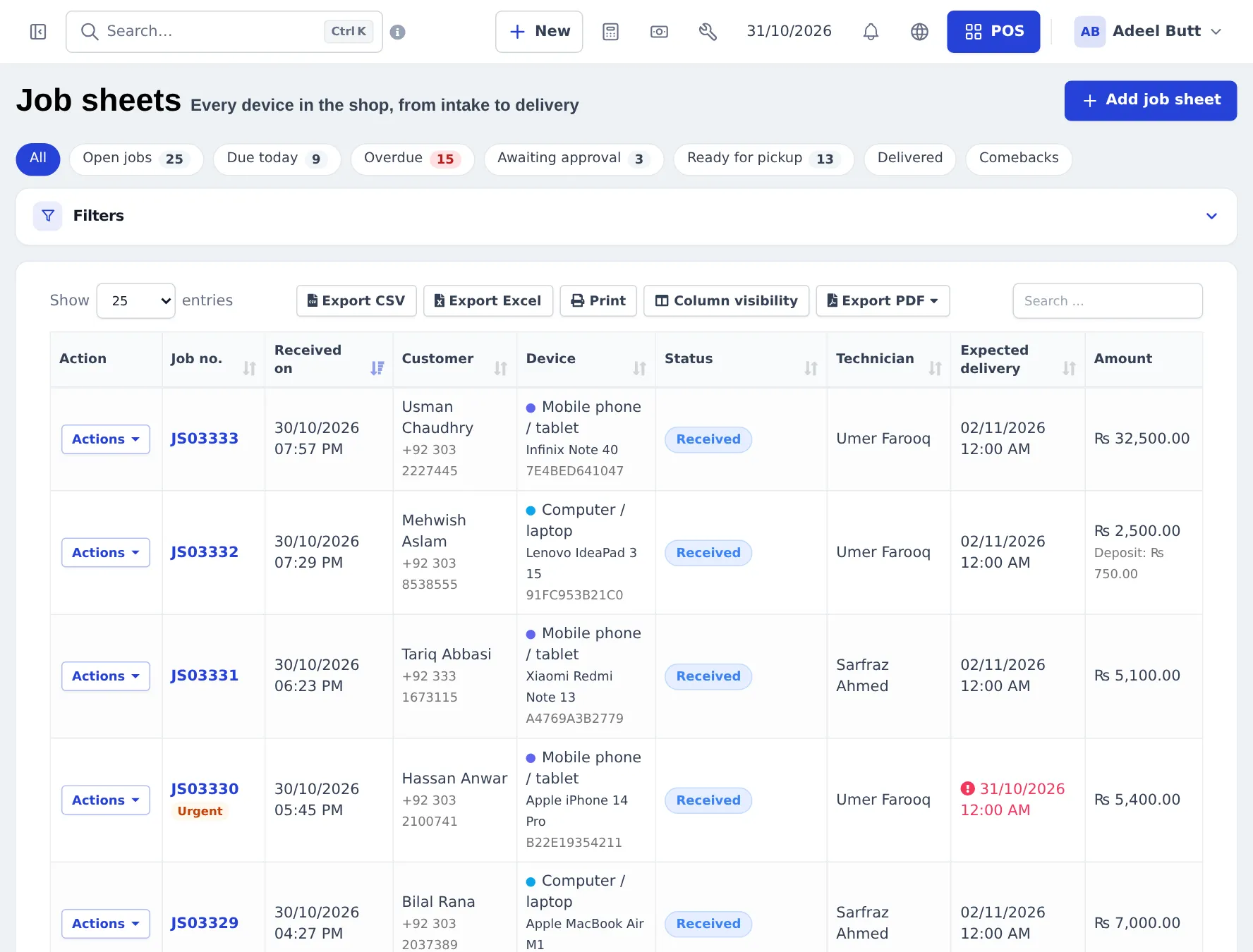
Section titled “What you will set up”- Locations and modules: one location per branch, then switch on Repair, Product Library and the other modules you need.
- Import phones, laptops and accessories from the Product Library Electronics catalog.
- Variants, warranties and IMEI: storage and colour variants, warranty terms, and the IMEI switch on phones.
- Buy stock from suppliers: purchases, lot numbers and opening stock.
- Sell phones and accessories: IMEI per line, accessory combos, discounts and trade-in details.
- Set up the repair desk: device categories, statuses, device models and printing.
- Run repair jobs: job sheet, estimate, deposit, invoice and the customer status page.
- Credit and instalments: down payments, pay terms and later payments.
- Daily operations and the go-live checklist.
How the pieces fit together
Section titled “How the pieces fit together”| You want to… | Where it happens | Module or setting |
|---|---|---|
| Sell a phone with its IMEI | POS or Sell › Add Sale | Product switch Enable Product description, IMEI or Serial Number |
| Give a 1-year warranty | Products › Warranties, product form | Core (warranty per sale line needs Enable Warranty) |
| Import phone models with photos | Products › Product Library | Product Library module |
| Book in a broken phone | Repair › Add job sheet | Repair module |
| Let the customer check repair status | Public status page | Repair › Settings › Status page & security |
| Sell on part payments | POS Multiple Pay or Credit Sale, then Add payment | Core |
| Record trade-in details | Order options form on the sale line | Order options & personalisation module |
Staff in the app
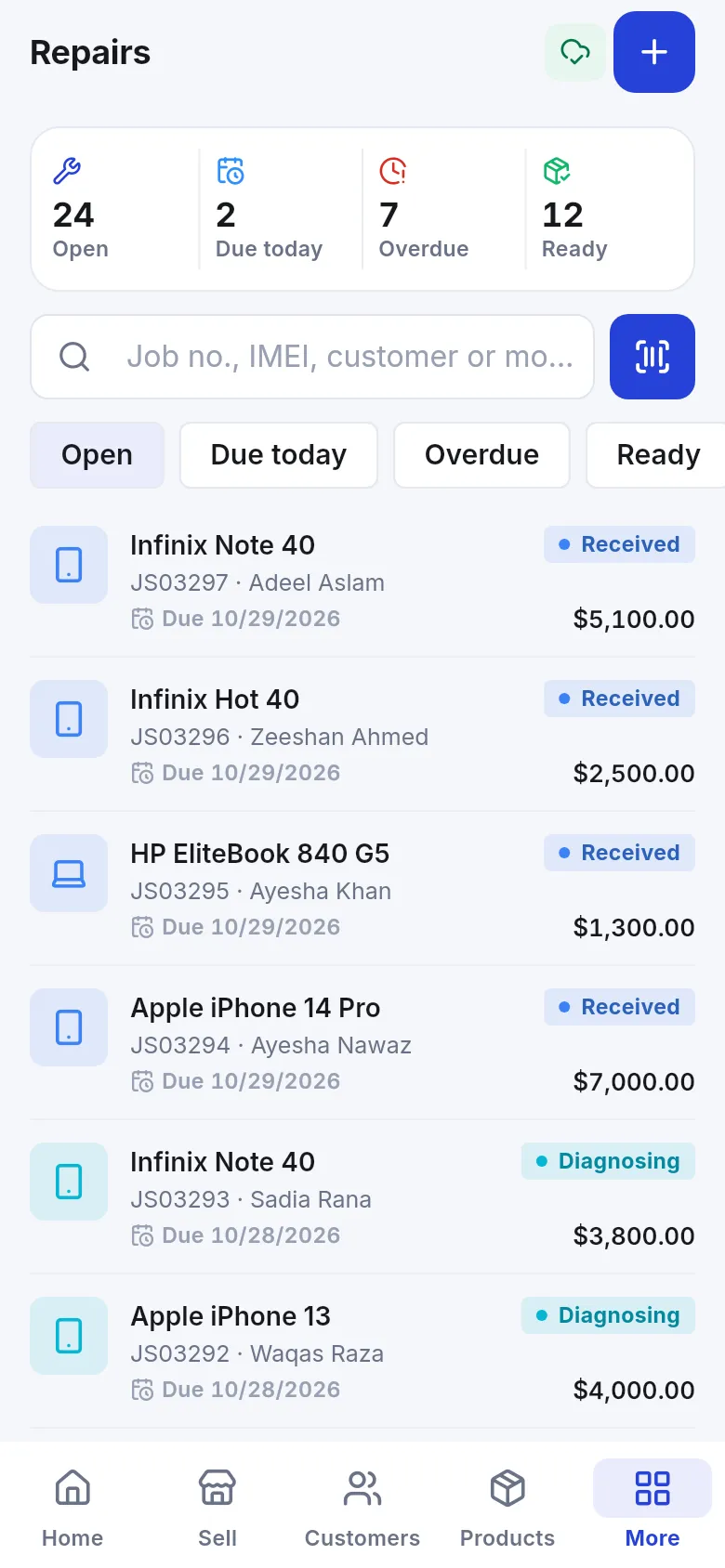
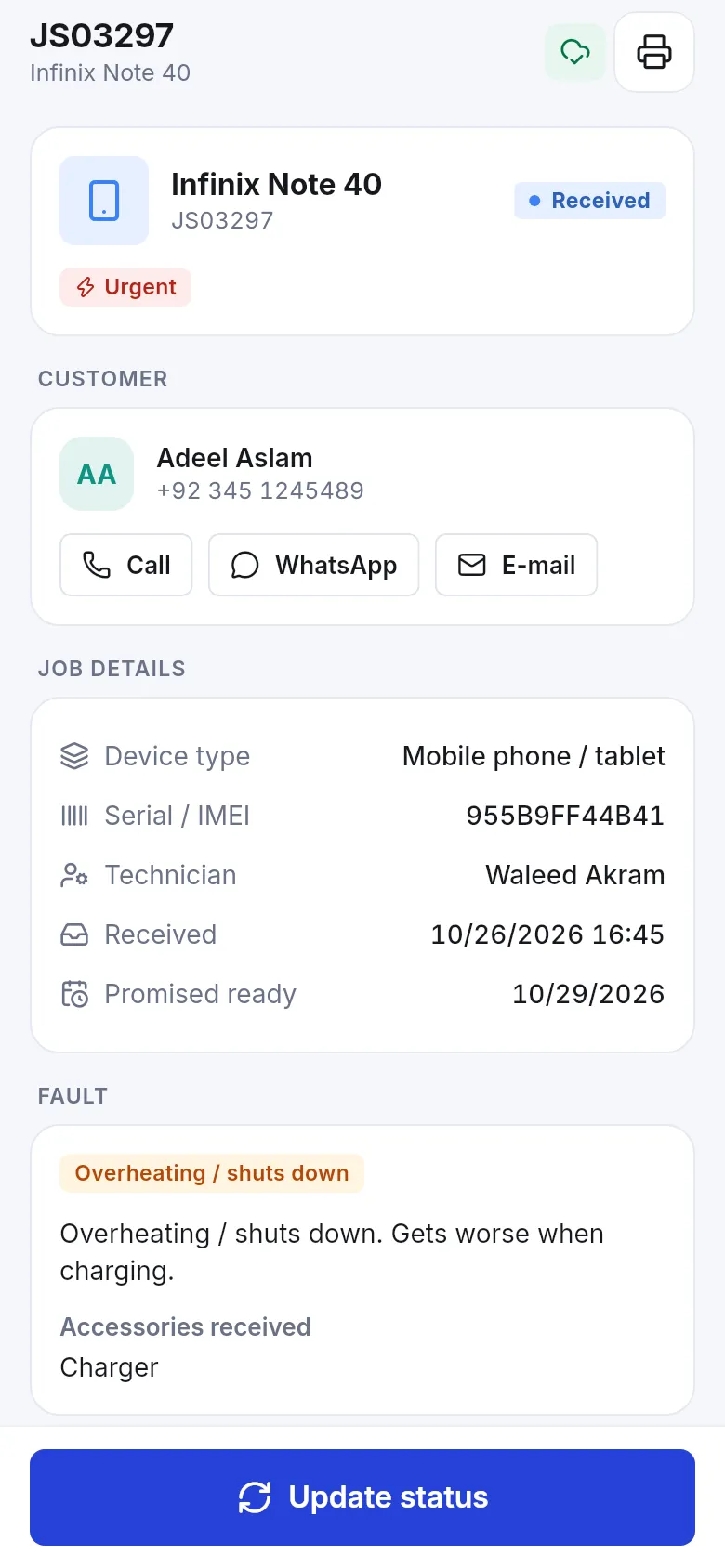
Section titled “Staff in the app”Technicians and sales staff can work from a phone with the SmartPOS Business app (Google Play): sell, scan, check stock and, with the Repair module on, open the Repairs screen to find jobs by job number, IMEI or customer.
Related guides
Section titled “Related guides”Frequently asked questions
Can SmartPOS Hub run a phone shop and a repair counter in one account?
Yes. You sell phones, laptops and accessories in the POS and book repairs on job sheets in the Repair module. Both use the same products, customers, stock and reports, and a finished repair turns into a normal invoice.
Do I have to type every phone model by hand?
No. The Product Library has an Electronics catalog with thousands of phones, tablets, laptops and accessories, each with barcodes, photos and storage and colour variants. You import what you sell and add your own prices.
How do I record the IMEI of each phone I sell?
Switch on Enable Product description, IMEI or Serial Number on the phone's product. Every phone you add to the cart then gets its own line with a box for the IMEI, and the number prints on the invoice.
Does SmartPOS Hub keep an IMEI register from my purchases?
No. There is no per-unit serial register that follows a phone from purchase to sale. You record the IMEI on the sale line, can use lot numbers on purchase lines, and repairs keep the serial or IMEI on the job sheet, where you can search it.
Can customers check the status of their repair themselves?
Yes. The Repair module has a public status page. The customer enters the job number and the last four digits of their phone number and sees the status, expected date and, if you allow it, the amount due.
Can I sell a phone on instalments?
Yes, with part payments. Take a down payment at the sale, set a pay term, and record each later payment against the same invoice. The customer ledger shows what was paid and what is still due.
Can I give a warranty on phones and on repairs?
Yes. Create warranties such as 6 months or 1 year under Products › Warranties, attach one to each product, and choose a warranty on repair job sheets. Warranties can print on the invoice.
Which plan do I need?
The POS, products, warranties and part payments are in every plan. The Repair module, Product Library, Order options and the online store depend on your plan. Settings › Package Subscription shows what your plan includes.
Can technicians use a phone instead of a computer?
Yes. The SmartPOS Business app has a Repairs screen where technicians find jobs by number, IMEI or customer and update their status.
Can I handle trade-ins?
Partly. Order options include a ready-made Trade-in form that records the device, condition and agreed value on the sale line. There is no automatic trade-in credit; if you resell the device, record it as a purchase.