
Sell
Point of sale with tiles or list, customers, discounts, split and part payments, pay later (credit), parked sales, drafts, quotations, returns and the cash register. Print on a Bluetooth printer or share a PDF.
SmartPOS Business is the Android app for everyone who works in your business: owners, managers, cashiers, waiters, kitchen staff, riders and front-desk staff. It lets your team sell, scan, check stock, receive goods, collect payments and answer customer chats from a phone, even when the internet drops. This page explains what the app is and how it fits with the rest of SmartPOS Hub.
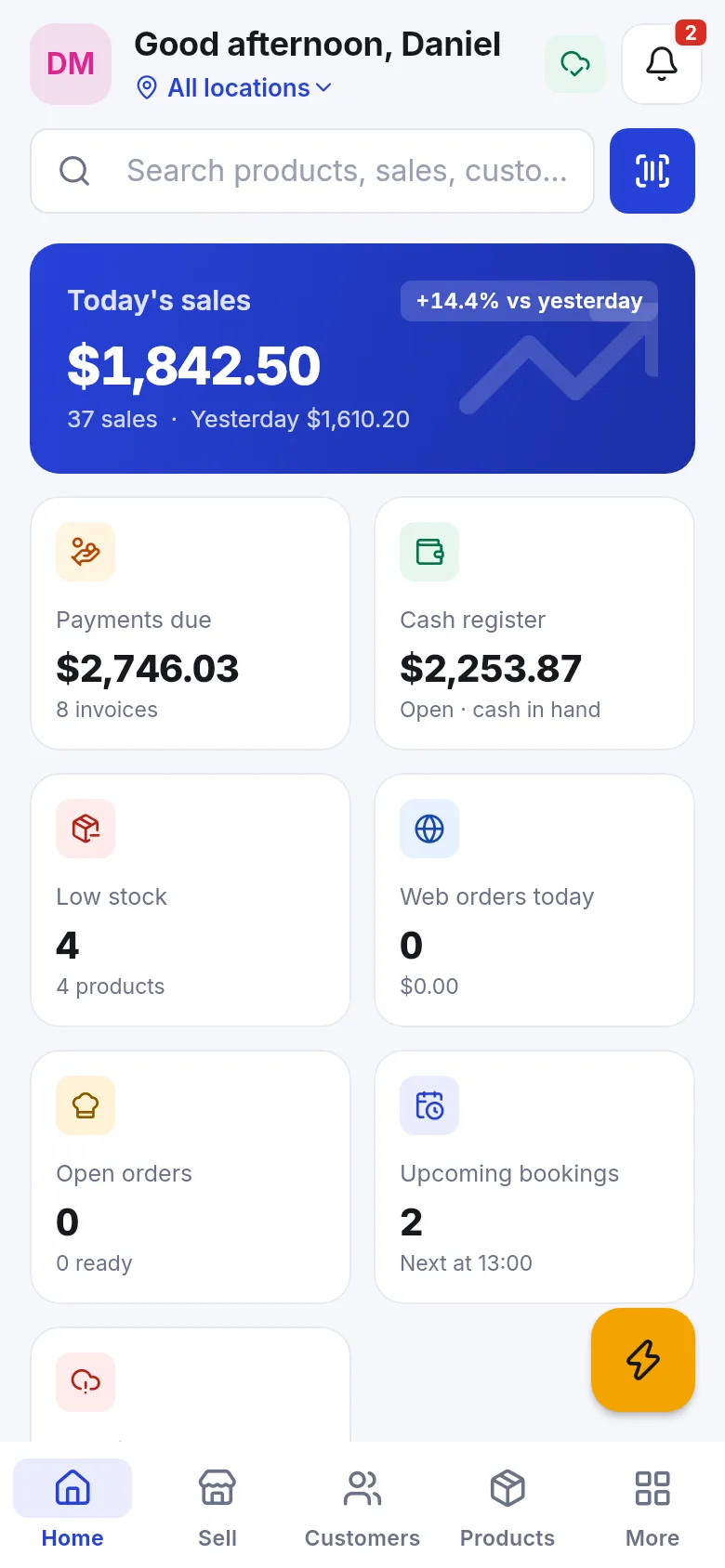
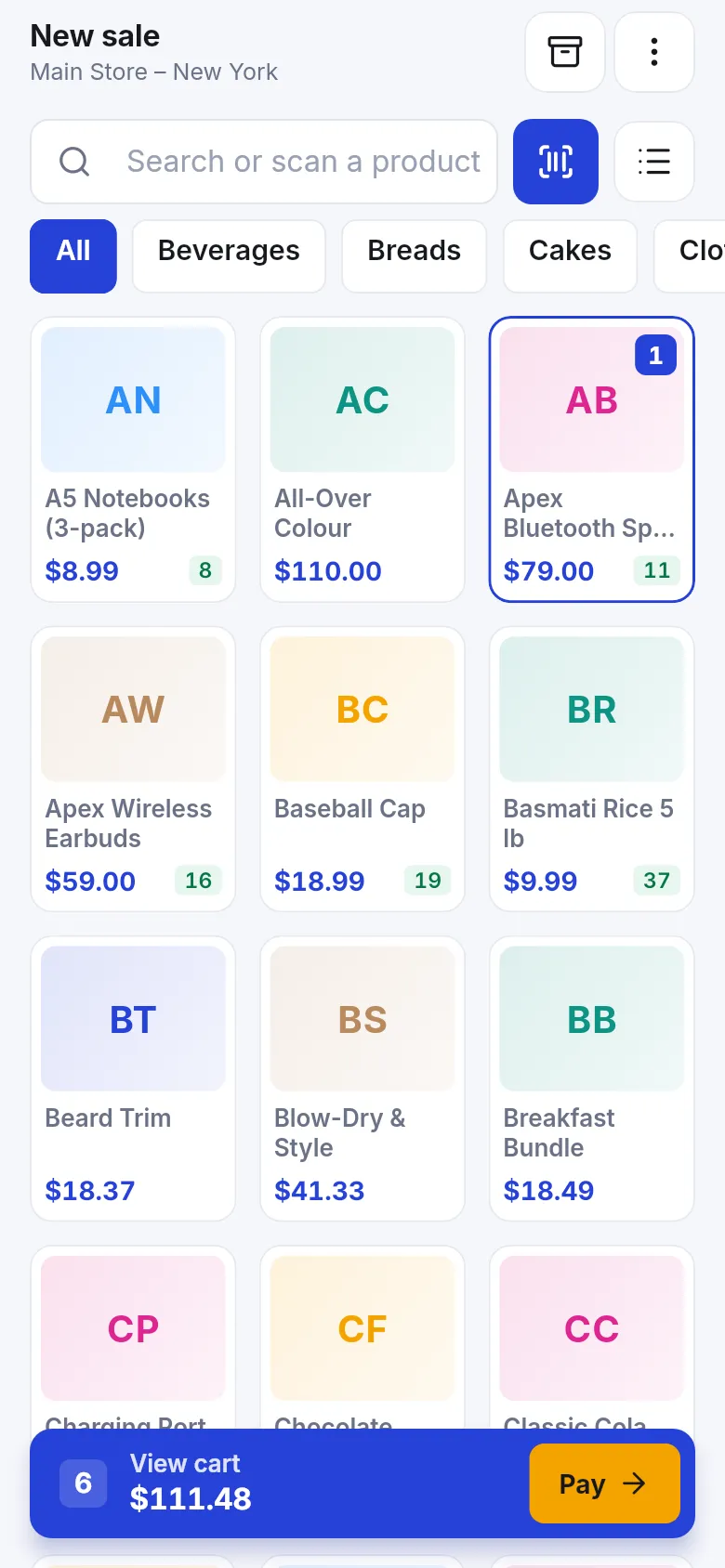
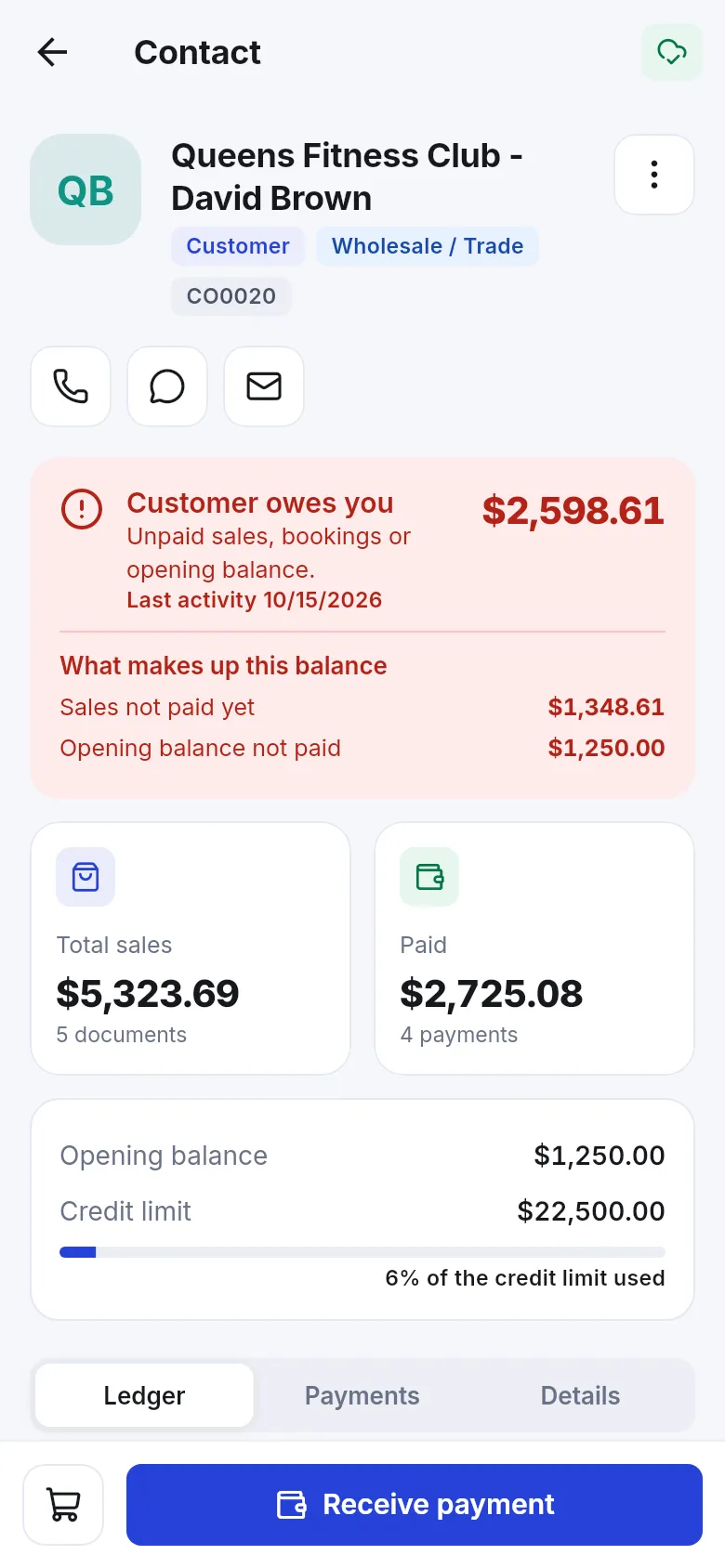
| Who uses it | What it is for | |
|---|---|---|
| SmartPOS Hub web app (app.smartposhub.com) | Owners, managers, back-office staff | Everything: setup, settings, modules, POS, reports, accounting, online store. The source of truth. |
| SmartPOS Business (this app) | Every staff role | Daily work on a phone: sell, scan, stock, purchases, customers and ledger, chats, restaurant, bookings, deliveries, alerts. |
| SmartPOS Shopper | Your customers | Join your store, browse and order, Scan & Go, “My store card” at the counter, receipts, bookings, chat with you. |
| SmartPOS Connect | A business support phone | Turns a phone into a call, SMS and WhatsApp gateway for the web app. Installed separately; it does not talk to the other two apps. |
All apps use the same account data. A sale made in the Business app appears on the web at once, and a product changed on the web shows up in the app after a refresh.
Sell
Scan
Sell offline
Products & stock
Customers & money
Chats & alerts
Your trade
Safe by design
The app builds its menus from three things, in this order:
So, for example, a cashier sees Home · Sell · Customers · More, a kitchen user sees Home · Kitchen · More, a rider sees Home · Deliveries · More, and an owner sees everything. See Home screen and menus.
Business settings, locations, invoice layouts, tax rates, module switches, roles and users, the online store and most detailed reports are set up on the web app. In the app, Settings › Help & support › Open the web app takes you there.
It is the Android app for the staff of a business that runs on SmartPOS Hub. Owners, managers, cashiers, waiters, kitchen staff, riders and front-desk staff sign in with their own login and see only the screens their role allows.
No. SmartPOS Business is for your team. SmartPOS Shopper is for your customers, who use it to join your store, browse, use Scan & Go, show their store card and chat with you. The two apps meet at the counter and in the chat inbox.
No. Staff sign in with the same username or e-mail and password they use on the web app. There is no web address to type.
The app itself is free to download. It works when your SmartPOS Hub plan includes the mobile app and the owner has switched it on. Check your plan on the Subscription page or ask support.
Yes, for selling. Once a phone is set up for offline selling, cashiers can keep ringing up sales and the app sends them to the server when the connection is back. Most other changes need a connection.
Android phones and tablets. An iPhone version is planned but not available yet.
Yes. Install it from Google Play: play.google.com/store/apps/details?id=com.smartposhub.business, or search for SmartPOS Business in Google Play.
Most daily work, yes. Setup tasks such as business settings, invoice layouts, module switches and many reports stay on the web app. The app links to the web app for anything it does not show.
Yes. You can lock the app with a PIN or fingerprint, and an owner can sign a lost phone out remotely from the web or from another phone. Offline data on the phone is stored encrypted.
SmartPOS Business 1.3.0, released on 30 October 2026.