
Electronics store step 8: reports that matter
These are the reports an electronics store checks most. All are under Reports in the sidebar and filter by location and date.
Stock and stock value
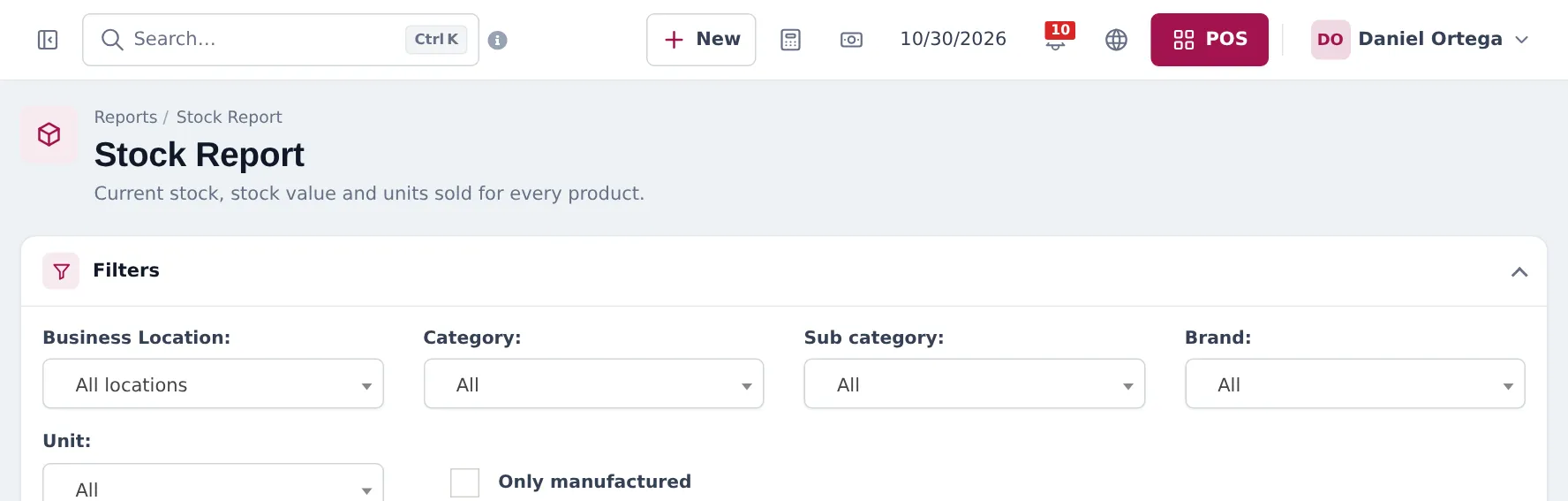
Section titled “Stock and stock value”Reports › Stock Report: current stock per product and variant, by location, category and brand, with Closing stock (By purchase price), Closing stock (By sale price), Potential profit and Profit Margin %.
Sales by category and brand
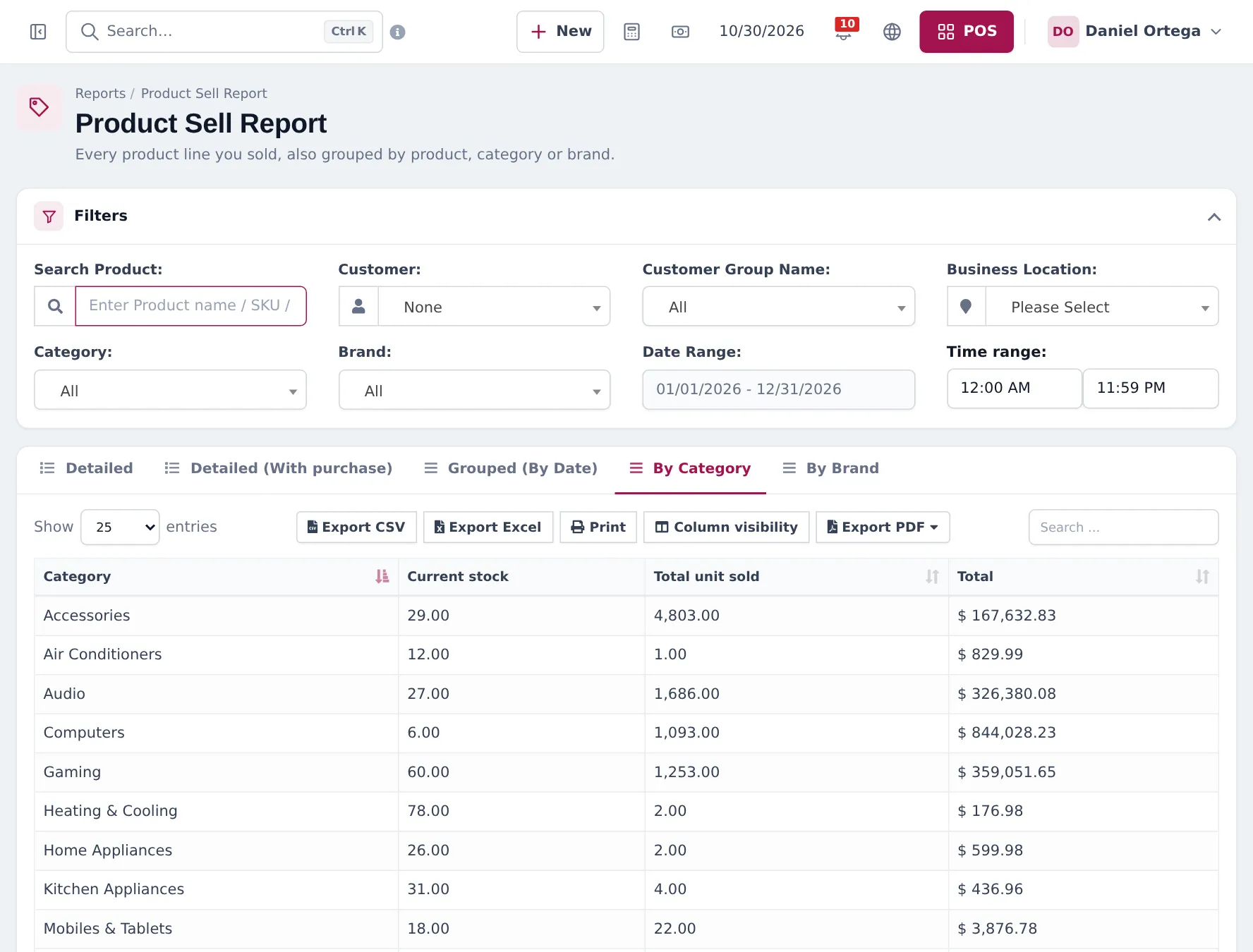
Section titled “Sales by category and brand”Reports › Product Sell Report has tabs Detailed, Detailed (With purchase), Grouped (By Date), By Category and By Brand.
Best sellers
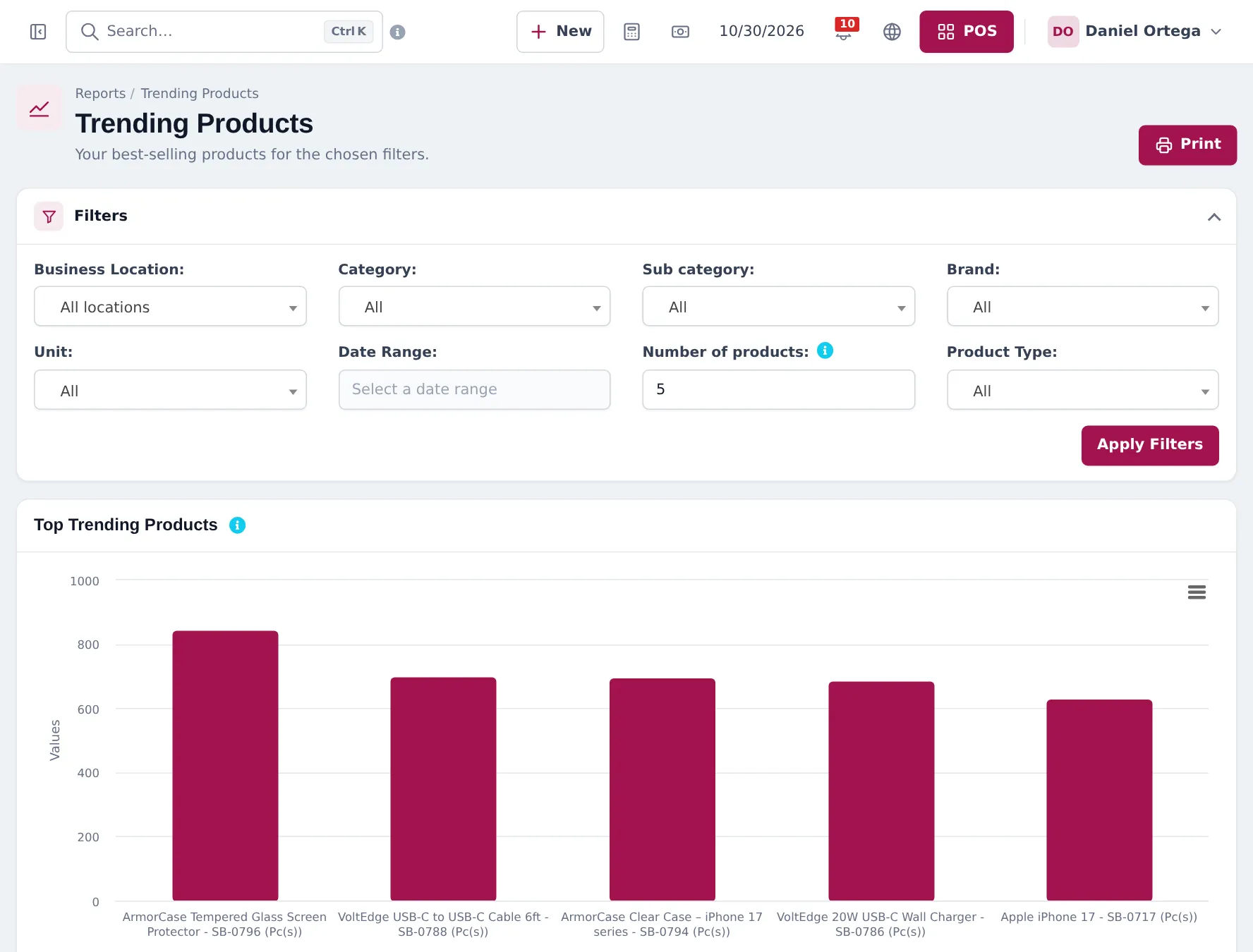
Section titled “Best sellers”Reports › Trending Products charts your top products for a period. Use it before ordering from suppliers.
More reports
Section titled “More reports”| Report | Use it for |
|---|---|
| Profit / Loss Report | Profit per period and location |
| Purchase & Sale | Purchases against sales for a period |
| Items Report | Each item bought and sold with prices |
| Sell Payment Report | Payments received, by method |
| Payment by Age | Unpaid customer invoices by days overdue |
| Supplier & Customer Report | Balances with each supplier and customer |
| Register Report / Z Report | Each cashier’s register |
| Tax Report | Sales tax collected and paid |
Frequently asked questions
How do I see sales by brand?
Reports › Product Sell Report, By Brand tab, for any date range and location.
How do I know what my stock is worth?
Reports › Stock Report shows closing stock at purchase price and at sale price, potential profit and margin.
Which report shows best sellers?
Reports › Trending Products, with filters for location, category, brand and date range.
Can I export reports?
Yes. Report tables have Export CSV, Export Excel, Print and Export PDF buttons.
Where do I see online sales?
Website › Overview and Website › Insights show online orders, sales and visitors. Online orders are also included in the normal sales reports.