
SmartPOS Connect - use your shop phone with SmartPOS Hub
SmartPOS Connect turns an Android phone at your shop into a gateway for SmartPOS Hub: incoming-call popups with the customer’s details, a call log, missed-call follow-up, click-to-call, SMS through the phone’s SIM cards and WhatsApp message capture. It is a separate app and does not talk to the Business or Shopper apps.
Pair a phone
Section titled “Pair a phone”- Switch on Connect (phone) in Settings › Business Settings › Modules.
- Get the app for your phone: SmartPOS Connect isn’t on Google Play; contact SmartPOS Hub support to get the Connect app for your phone.
- On a computer, open Connect › Devices and click Pair a phone. A QR code appears.
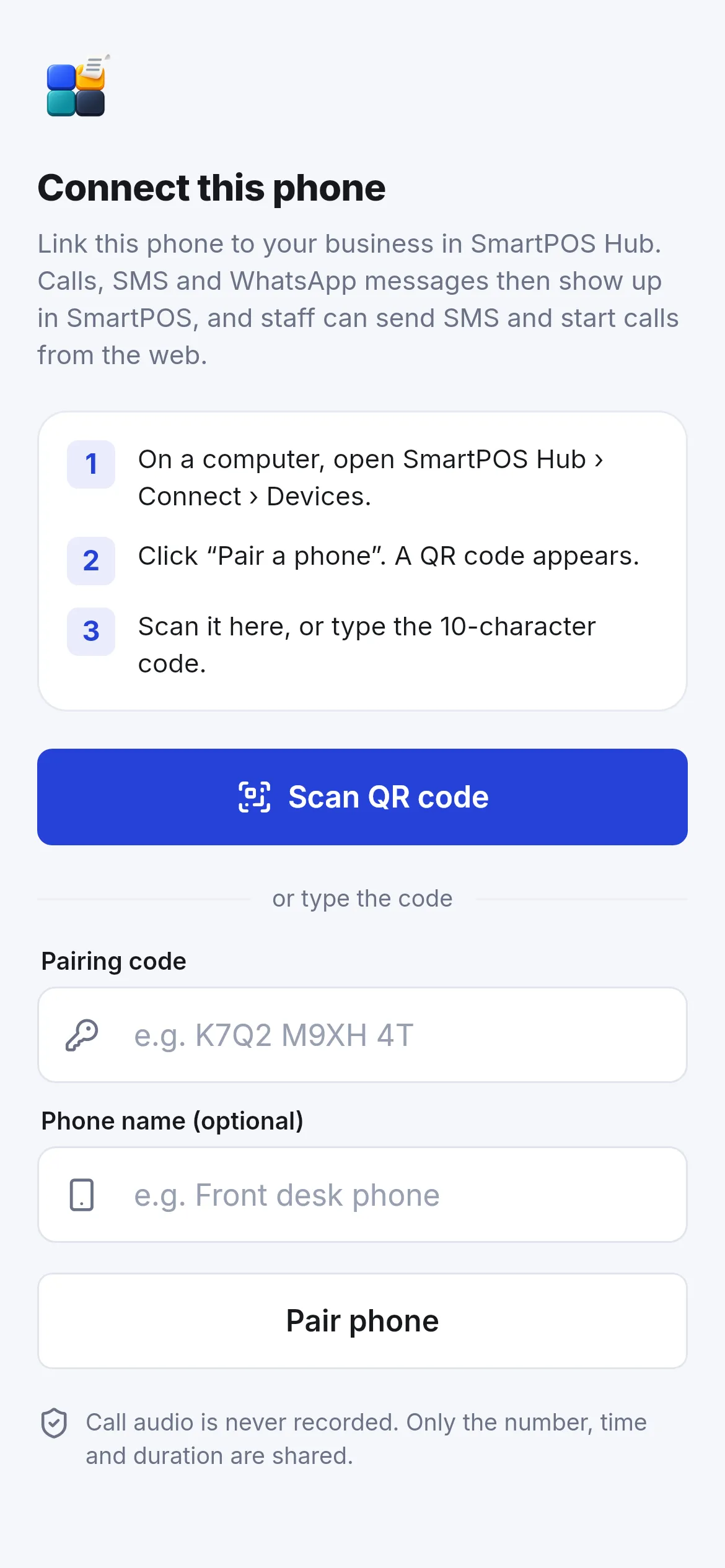
- In the app tap Scan QR code, or type the 10-character Pairing code, give the phone a name (for example “Front desk phone”) and tap Pair phone.
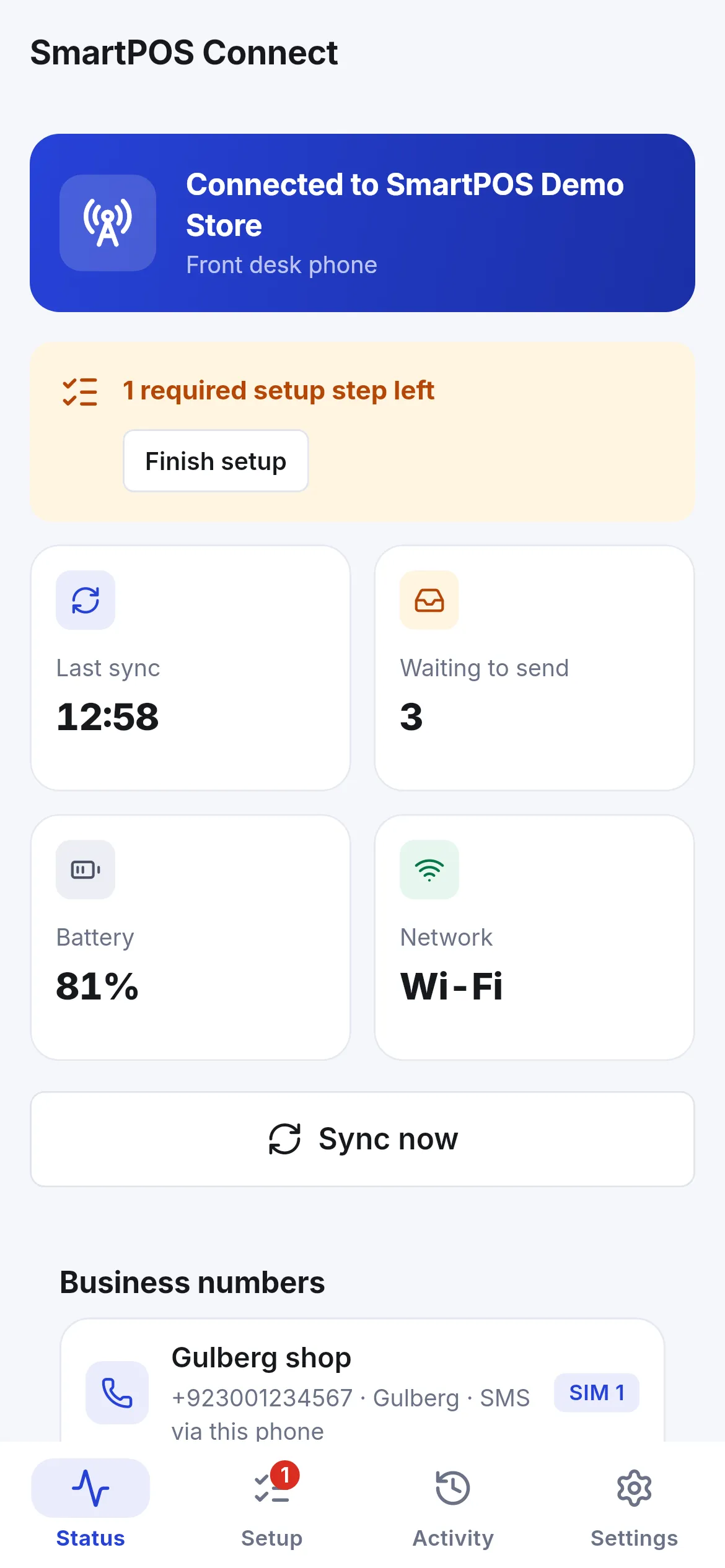
- Finish the setup steps the app lists (permissions, battery settings so the phone does not close the app).
- In Connect › Numbers, add your business numbers, link each to a SIM and a location, and choose who may use it.
What you get on the web
Section titled “What you get on the web”- Incoming-call popup on every page for staff who may see calls: caller, matched contact, last orders, and buttons to open the contact, start a new sale or add a contact.
- Calls list and report, with call back and mark followed up.
- Click-to-call: phone numbers in SmartPOS Hub ask to dial from the shop phone.
- SMS through the phone SIM: choose it in Settings › Messaging › Send SMS through.
- WhatsApp: messages shown in the phone’s WhatsApp notifications are captured into conversations (text only).
Related pages
Section titled “Related pages”Frequently asked questions
What is SmartPOS Connect?
An Android app you install on your business phone. Once paired, incoming calls pop up in the web app with the customer and their last orders, staff can click to call from the shop phone, SMS can go out through the phone's SIM, and WhatsApp messages are captured into conversations.
Is it on Google Play?
No. SmartPOS Connect isn't on Google Play; contact SmartPOS Hub support (https://smartposhub.com/contact/) to get the Connect app for your phone.
Can I talk to the caller in my browser?
No, not through the SIM: Android does not let apps pass call audio to the web. Connect shows who is calling, logs the call and lets the phone dial. An optional browser phone needs a separate voice provider account.
Does it send WhatsApp messages automatically?
Sending is assisted: Connect opens the chat with the text and staff press Send. Automatic sending is off by default and must be allowed by the business, per number and on the phone, because it can risk a WhatsApp ban.
Is call audio recorded?
No. Only the number, time and duration are shared.
How many phones can I pair?
Your plan sets the number of devices and business numbers.