
Pharmacy step 5: sell by tablet, strip or box
At the pharmacy counter the same medicine is sold as a single tablet, a strip or a full box, and every sale must come from the right batch. The POS handles both on the cart line.
Before you start
Section titled “Before you start”- Medicines have units and prices (step 2) and stock with batches (step 4).
- The cash register is open (Cash register and closing).
Sell a strip
Section titled “Sell a strip”- Open Sell › POS.
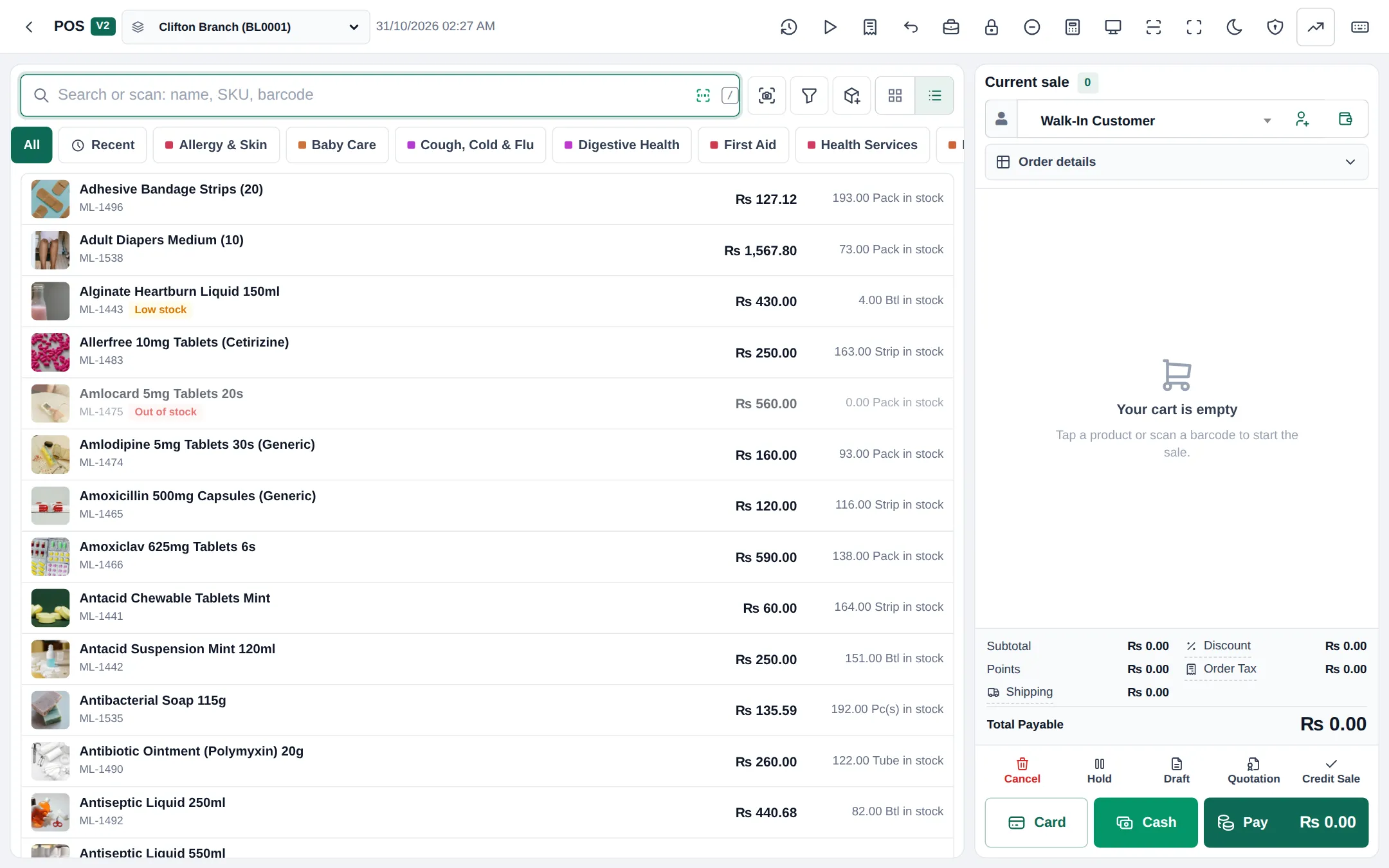
- Scan the pack barcode or search the medicine name.
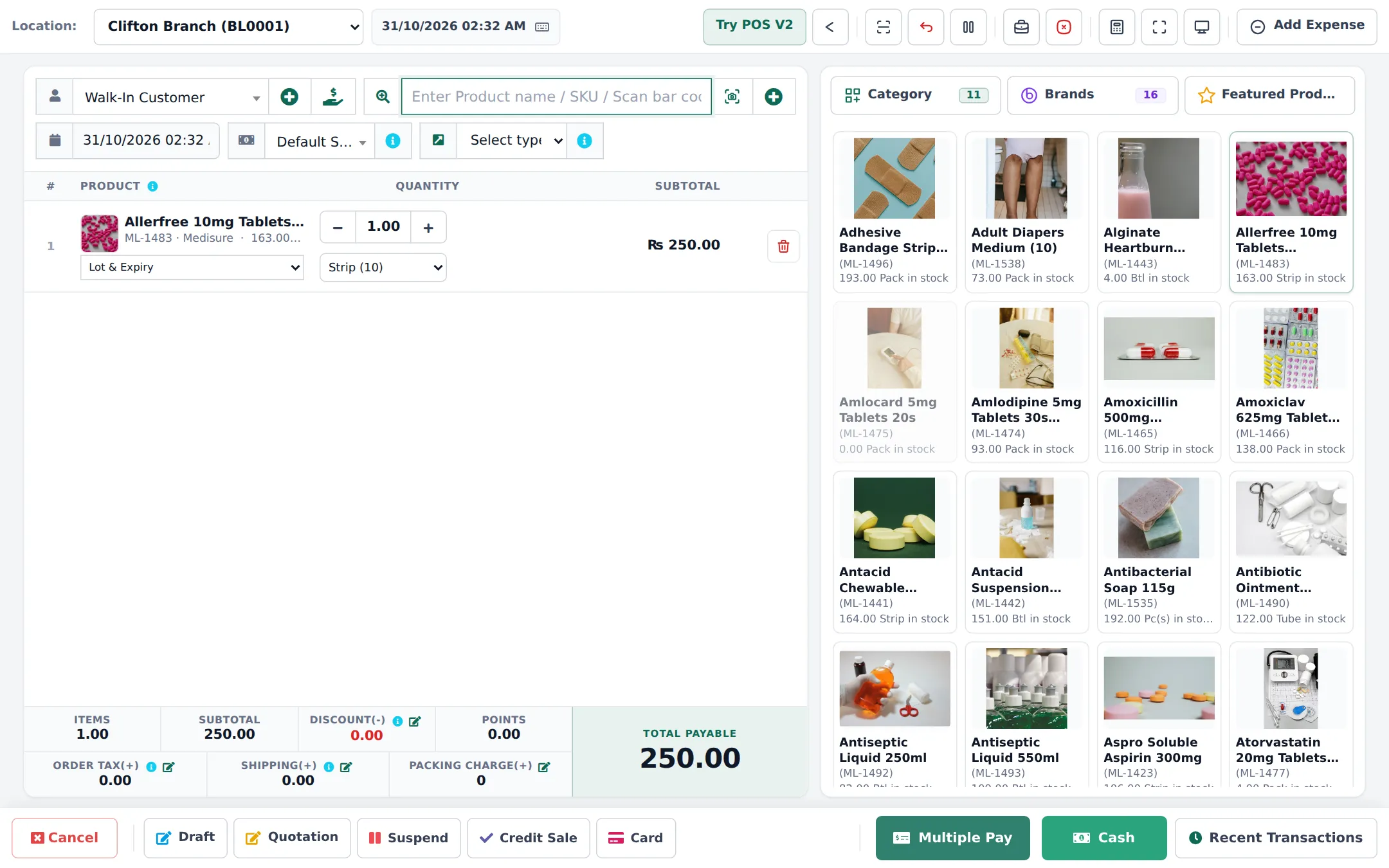
- On the cart line, choose the unit in the unit dropdown: Tablet, Strip (10) or Box. The price changes with the unit.
- In Lot & Expiry, pick the batch (the one expiring first, as a rule).
- Set the quantity (for example 2 strips).
- Select the patient as customer if the medicine needs a prescription, or for credit; add the prescription reference or doctor in the sale note.
- Take payment and complete the sale.
Receipts with batch and expiry
Section titled “Receipts with batch and expiry”Choose a receipt layout that prints batch and expiry per line and a prescription box. The Invoice designer has a pharmacy receipt template for 80 mm printers. See Receipts and invoice layouts.
Returns from patients
Section titled “Returns from patients”If a patient returns an unopened pack, use Sell return on the sale. The stock goes back to the same batch. Check your local rules on accepting medicine returns. See Returns and refunds.
- Scan the outer box to sell a full box quickly; switch the unit only for strips and loose tablets.
- Keep batch picking simple: train staff to pick the earliest expiry unless the shelf says otherwise.
- Out of stock? The POS shows “Out of stock”; offer a generic with the same Generic name (step 3).
Frequently asked questions
How does the POS know the strip price?
Prices are kept per base unit (one tablet). When you choose Strip (10), the line price becomes ten times the tablet price. There is no separate price per strip.
Can I charge more for loose tablets?
Not automatically, because the price is per tablet whichever unit you pick. Change the line price on the sale if your policy allows it.
Which batch does the POS sell from?
The Lot & Expiry dropdown on the line lets you choose the batch. Pick the batch that expires first unless the patient needs a specific one.
Can the POS stop me selling an expired batch?
Yes, when On Product Expiry is set to Stop Selling n days before. Batches inside that window are not offered.
Should I select a customer on every sale?
For prescription and controlled medicines, and for credit, yes. For over-the-counter sales Walk-In Customer is fine.