
Pharmacy daily operations and reports
Use this routine for each shift. It keeps the register balanced, prescriptions answered and expired stock off your shelves.
Opening
Section titled “Opening”- Open the cash register at each till.
- Check Website › Prescriptions for uploads waiting for review, and Website › Orders for orders to prepare.
- Look at the dashboard: Product Stock Alert (what to reorder) and Stock Expiry Alert (what to pull or sell first).
During the day
Section titled “During the day”- Dispense with the right unit and batch (step 5); select the patient for prescription and controlled items.
- Receive deliveries with lot and expiry (step 4).
- Collect credit payments with Pay Due Amount (step 7).
Closing
Section titled “Closing”- Close each cash register and explain any difference in the note.
- Record till expenses in Expenses › Add Expense.
- Print the Z Report for the day and location.
- Check offline sales synced if any till sold offline.
Weekly reports for the pharmacist
Section titled “Weekly reports for the pharmacist”| Report | Where | What to look for |
|---|---|---|
| Stock Expiry Report | Reports | Anything expiring in the next 90 days: sell first, transfer or return |
| Lot Report | Reports | Stock per batch with its expiry; recalls |
| Product Stock Alert | Home (dashboard) | Items at or below their alert quantity |
| Stock Report | Reports | Stock value at cost and at sale price |
| Product Sell Report | Reports | Sales of controlled or high-value items, by customer |
| Supplier & Customer Report | Reports | Patient credit due and what you owe distributors |
| Profit / Loss Report | Reports | Margin for the period |
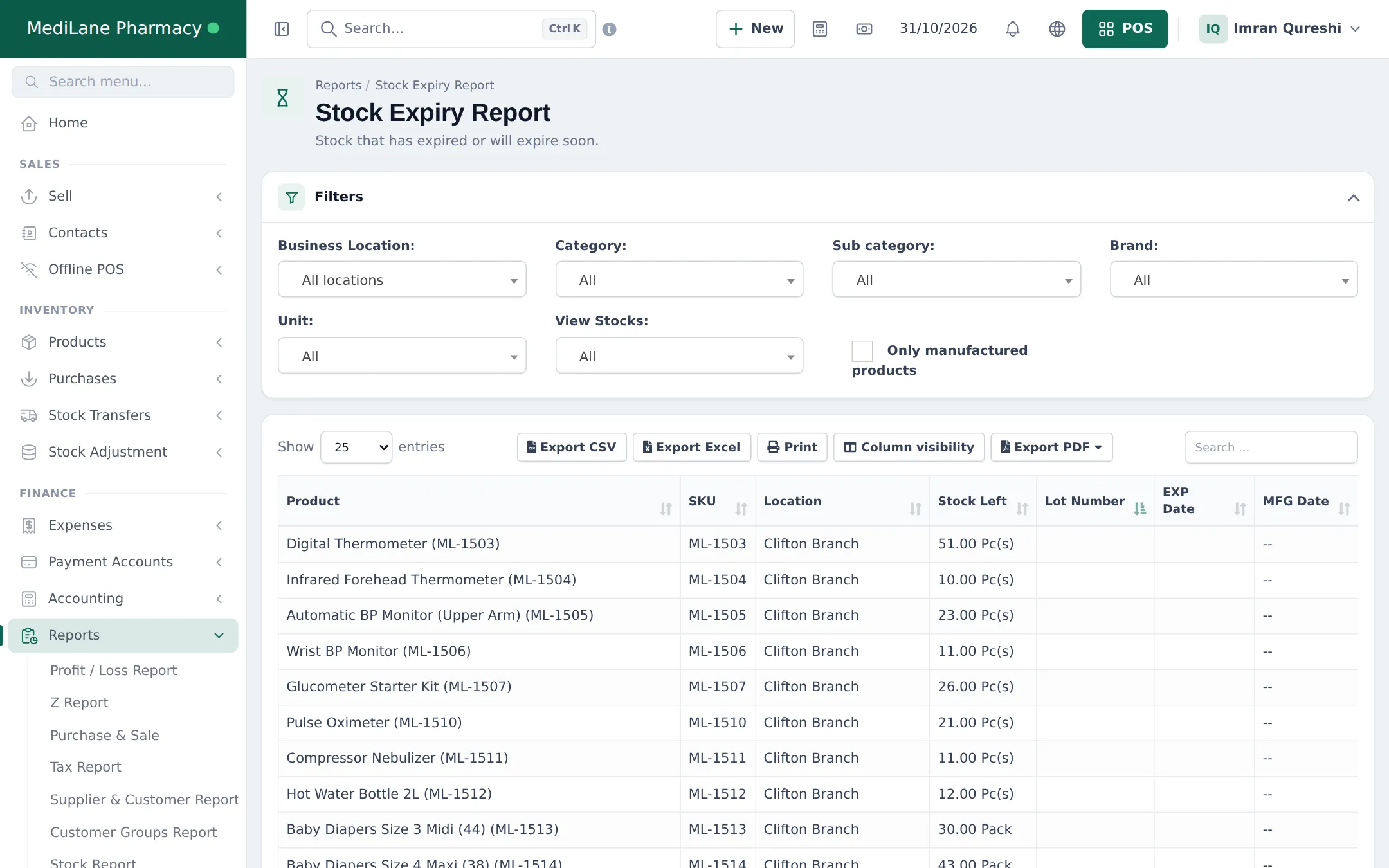
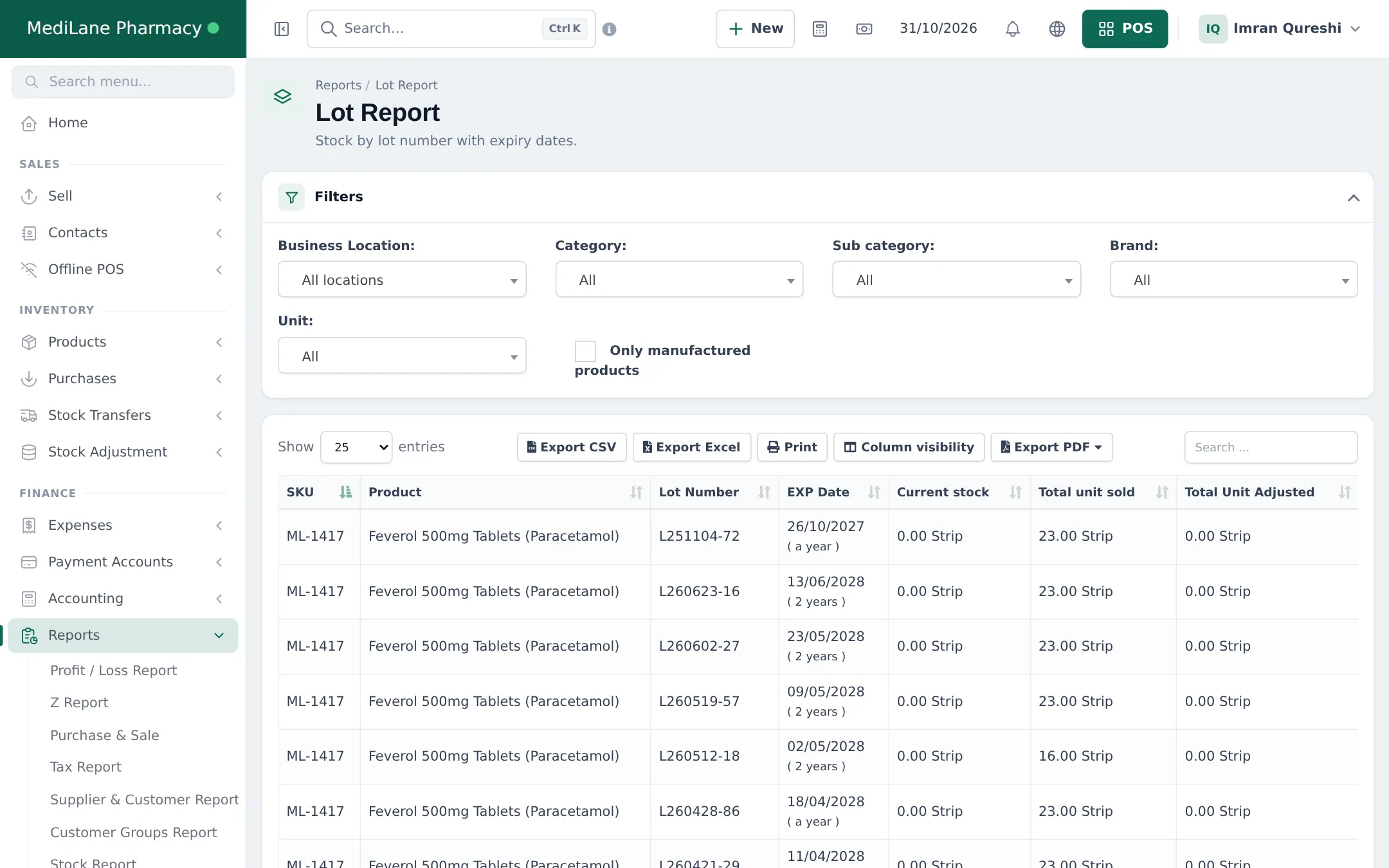
More: Stock reports, Sales reports, Reports overview.
Frequently asked questions
Which reports should a pharmacist check weekly?
Stock Expiry Report for anything expiring soon, Lot Report for batch stock, Product Stock Alert for reordering, and Product Sell Report for controlled or high-value items.
How do I see the day's takings?
Close the cash register to see the shift's cash, card and other totals, and print the Z Report for the day and location.
How do I find which patient bought a batch during a recall?
Open the Lot Report to find the lot, then use the Product Sell Report filtered by that product and dates to see each sale and its customer.
Can I see stock value at cost?
Yes. Reports › Stock Report shows closing stock by purchase price and by sale price, with potential profit.