
Salon & spa setup guide for SmartPOS Hub
This guide sets up a hair salon, beauty lounge or day spa on SmartPOS Hub, step by step. You finish with your branches, a service menu with durations and prices, stylists and therapists with working hours and commission, an online booking page with deposits, appointments checked out in the POS, retail products on the shelf and the reports you check every day.
Who this guide is for
Section titled “Who this guide is for”- Hair and beauty salons: cuts, colour, styling, bridal makeup, mehndi, nails and facials.
- Day spas and massage studios: massages, body treatments, facials and packages, often with a deposit.
- Nail, lash and brow studios and wellness clinics that sell time with a specialist.
- Small chains with two or more branches that share one service menu.
Running a barbershop with lots of walk-ins? See the Barbershop guide. Selling memberships and check-ins? See the Gym & fitness guide.
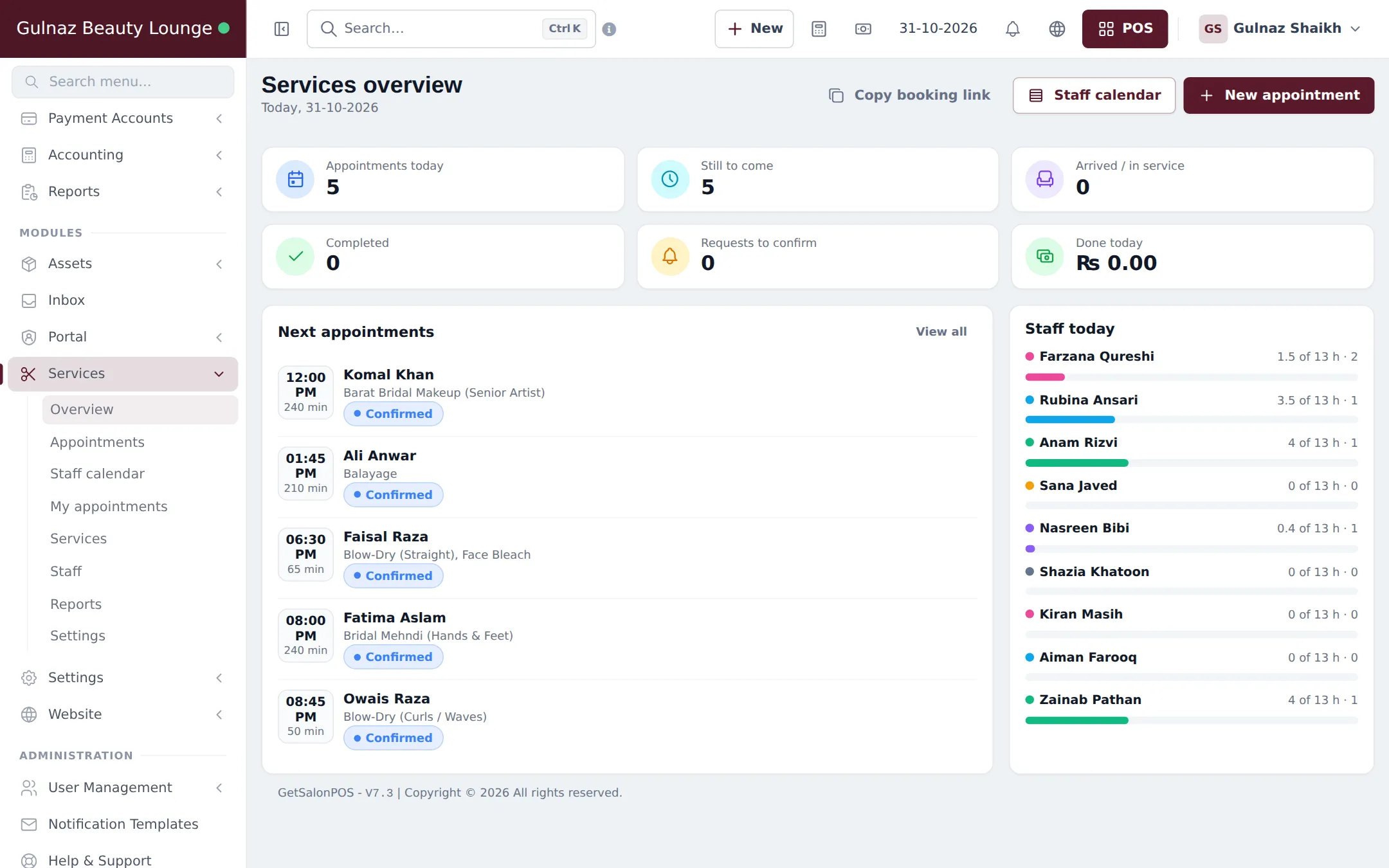
What you will set up
Section titled “What you will set up”- Locations and modules: one location per branch, then switch on Services and the other modules you need.
- Your service menu: import a prebuilt menu, then set prices, durations, buffers and online deposits.
- Stylists, hours and commission: staff logins, roles, working hours, time off and commission.
- Online booking and deposits: the booking page, pay-to-confirm deposits and the Shopper app.
- Appointments, walk-ins and checkout: book, check in, start and check out in the POS.
- Retail products: shampoo, serums and makeup from the Product Library, stock and selling.
- Client history, reminders and reports.
- Daily operations and the go-live checklist.
How the pieces fit together
Section titled “How the pieces fit together”| You want to… | Where it happens | Module or setting |
|---|---|---|
| List services with duration and price | Services › Services | Services module |
| Give each stylist hours and commission | Services › Staff | Services module |
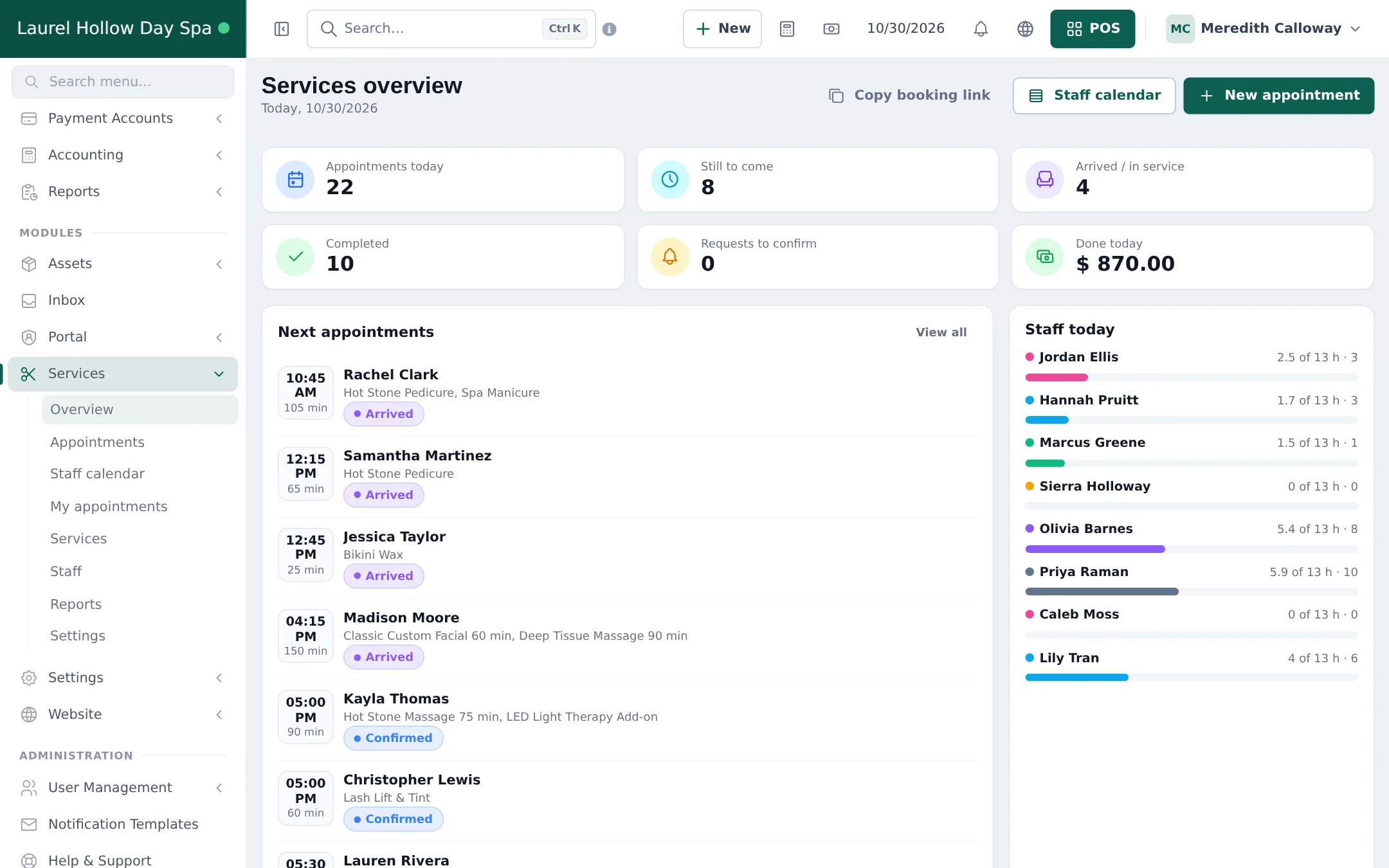
| See the day by stylist | Services › Staff calendar, Bookings | Services module (Bookings opens with it) |
| Let clients book online | Booking link from Copy booking link | Services › Settings |
| Take a deposit online | Payment to confirm card in Services › Settings | Booking payments + Payments |
| Bill an appointment | Checkout on the appointment | POS |
| Sell shampoo and serums | POS, products from Products › Product Library | Product Library module |
| See revenue by stylist and service | Services › Reports | Services module |
Staff in the app
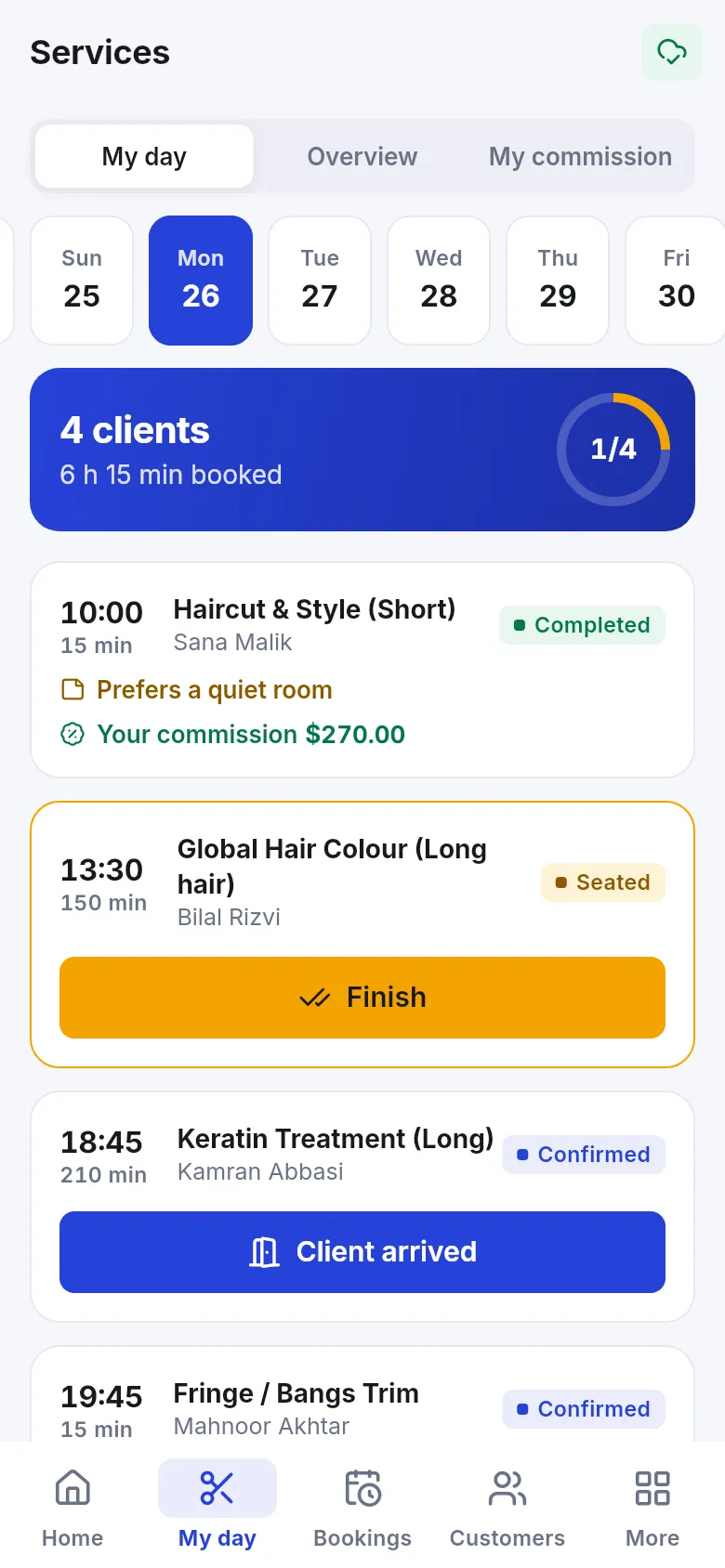
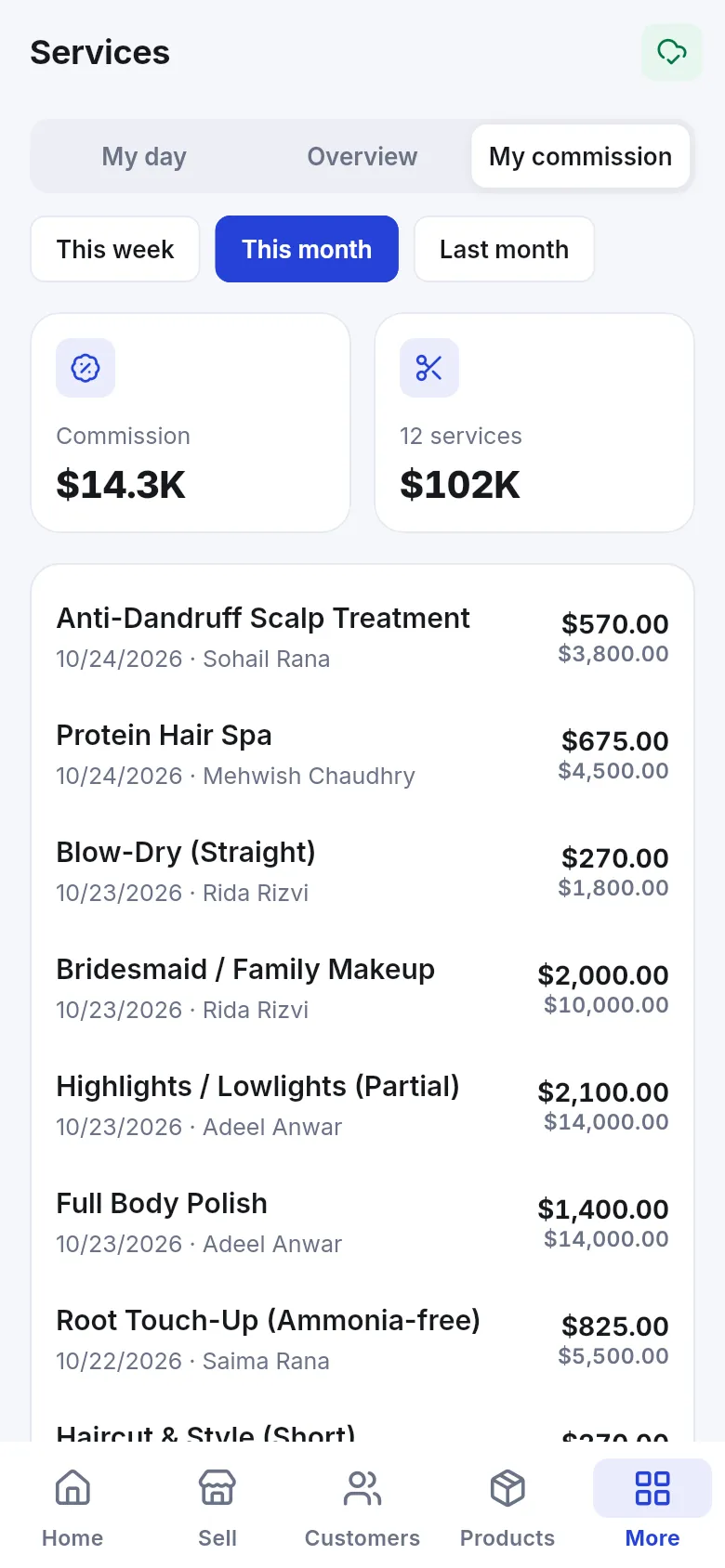
Section titled “Staff in the app”Stylists and therapists can work from a phone with the SmartPOS Business app (Google Play). My day lists their clients with Client arrived and Finish buttons, and My commission shows what they earned this week or month.
Related guides
Section titled “Related guides”Frequently asked questions
Can SmartPOS Hub run appointments and retail sales in one account?
Yes. Services and retail products such as shampoo and serum share the same POS, customers and reports. An appointment opens in the POS with its services already in the cart, and you can add products to the same bill.
Which modules does a salon or spa need?
The Services module for the service menu, staff and appointments. Bookings opens automatically with it. Product Library is useful for retail products, and Booking payments if you want online deposits. Switch them on in Settings › Business Settings › Modules.
Do I have to type my whole service menu by hand?
No. Services › Services has an Import prebuilt button with ready-made menus for hair salons, barbers, nails, beauty, spa and massage, wellness clinics and more, each with suggested durations and prices that you edit after importing.
Can clients book online and choose their stylist?
Yes. Turn on Customers can book services online and Customers can choose a staff member in Services › Settings, then share the booking link. Each stylist also needs Customers can pick this person online ticked on their staff page.
Can I ask for a deposit when a client books online?
Yes. In the Payment to confirm card of Services › Settings, ask for a deposit (for example 25 percent of the total) or full payment, and choose how long the client has to pay. Unpaid holds are released automatically.
How is stylist commission calculated?
When an appointment is checked out in the POS, each service line earns commission for the staff member who did it. SmartPOS Hub uses the staff member's setting for that service first, then the staff member's own commission, then the default in Services settings.
Can I take walk-in clients?
Yes. Either add them as an appointment with the source Walk-in and check them out, which keeps commission, or sell the service straight from the POS when nobody needs commission tracked.
Does SmartPOS Hub have a tip field?
No. There is no separate tip amount in the POS. The Salon & spa receipt design in the Invoice Designer prints blank Tip and Total with tip lines that clients can fill in by hand.
Can I see a client's visit history?
Yes. Open the customer under Contacts. The Appointments tab shows visits, spend, no-shows, upcoming appointments and the full history with services and status.
Do clients get appointment reminders?
Yes, by email, when Send email reminders is on and email is set up for your business. Staff can also press Reminder or Confirmation on any appointment to send it again.
Can stylists see their own day on a phone?
Yes. In the SmartPOS Business app, stylists open Services › My day to see their clients, mark Client arrived and Finish, and check My commission.