
Auto repair shop and parts store setup guide
This guide sets up an auto repair shop, service centre or auto parts store on SmartPOS Hub. You finish with parts and labour in your catalog, the Repair module set up for vehicles, job cards with plate, VIN and mileage, estimates and deposits, invoices that take parts out of stock, and warranties on parts and work.
Who this guide is for
Section titled “Who this guide is for”- General repair garages and service centres that book cars in and bill parts and labour.
- Quick lube, tire and brake shops with many short jobs a day.
- Auto parts stores that sell over the counter and sometimes fit parts.
- Motorbike workshops (the Repair module also has a Motorbike category).
What you will set up
Section titled “What you will set up”- Locations and modules: your shop, the Repair module and warranties.
- Parts and labour: parts with brands and warranties, labour as products without stock.
- Set up Repair for vehicles: the Car category, statuses, technicians and printing.
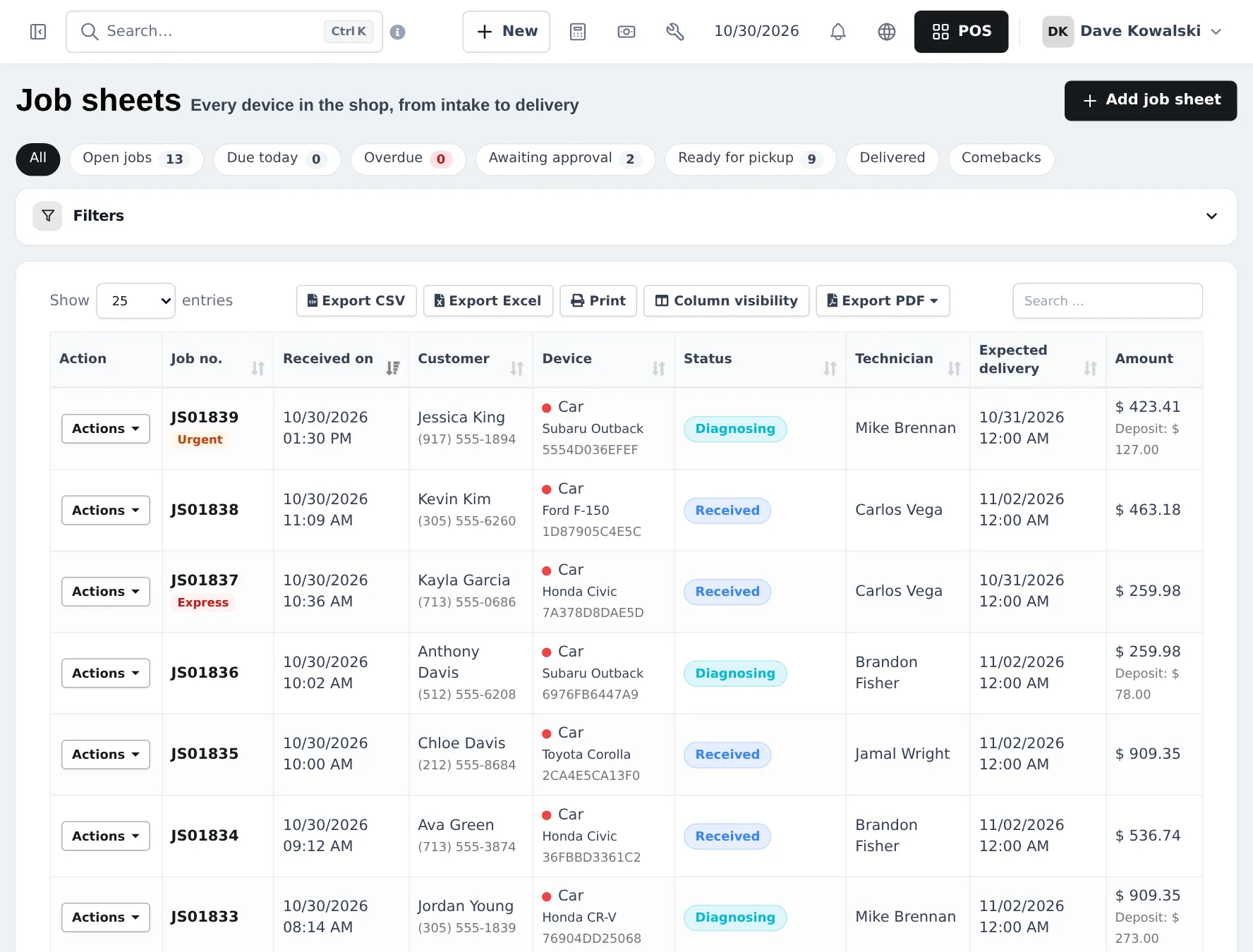
- Run job cards: book a car in, estimate, deposit, work and status.
- Invoice, warranty and history: convert to invoice, deliver, handle comebacks.
- Daily operations and the go-live checklist.
How the pieces fit together
Section titled “How the pieces fit together”| You want to… | Where it happens | Module or setting |
|---|---|---|
| Sell a battery over the counter | POS | Core |
| Charge one hour of labour | Product with Manage Stock? off | Core |
| Book a car in with plate and mileage | Repair › Add job sheet, Car category | Repair module |
| Get approval for extra work | Repair › Estimates / quotes | Repair module |
| Take a deposit | Advance / deposit on the job card | Repair module |
| Bill the job | Actions › Convert to invoice | Repair module + POS |
| Give 12 months on parts | Products › Warranties | Enable Warranty |
| Record the vehicle on a parts-only sale | Order options form Part for my vehicle | Order options & personalisation module |
Technicians on the floor
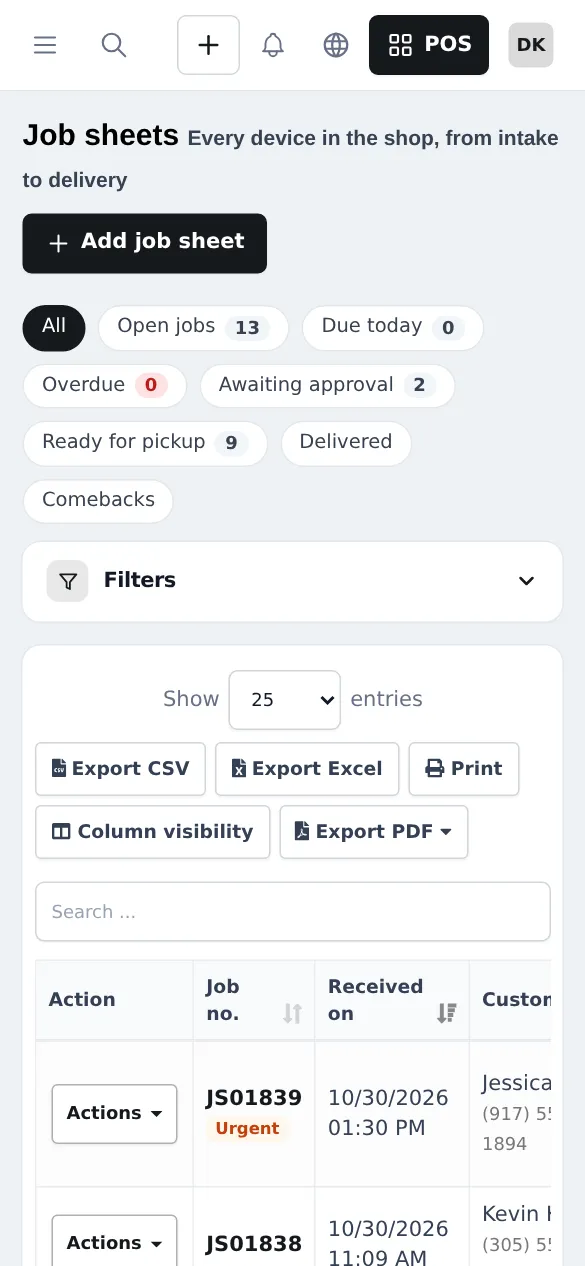
Section titled “Technicians on the floor”Technicians can open the job sheets in a phone browser or in the SmartPOS Business app (Google Play), find a job by number or customer, and update its status.
Related guides
Section titled “Related guides”Frequently asked questions
Can SmartPOS Hub run both a parts counter and a workshop?
Yes. Parts and accessories sell in the POS like any product, and workshop jobs run on job cards in the Repair module. A finished job card turns into a normal invoice with the parts and labour on it.
Where do I record the car's plate, VIN and mileage?
On the job card. The Repair module's Car category asks for make, model, VIN or chassis number, registration plate, year, colour, odometer reading, fuel level, engine type, transmission, keys received, damage notes and photos, and the next service due.
How is labour charged?
Create each labour job (oil change labour, brake job, diagnostic, alignment) as a product with Manage Stock switched off. Add it to the job card or the sale next to the parts.
Can I give the customer an estimate before I start?
Yes. Create an estimate from the job card, mark it sent and record whether the customer approved or declined it and how they told you.
Can I take a deposit on a big job?
Yes. Record it in Advance / deposit on the job card. It becomes the customer's advance and is used on the final invoice with the Store credit (advance) payment method.
When are parts taken out of stock?
When the job card is converted to an invoice in the POS. Until then the parts on the job are a plan, not a sale.
How do I handle warranty on parts and labour?
Create warranties such as 90 days or 1 year under Products › Warranties, attach them to parts, and choose a warranty on each job card. A car that comes back for the same fault is booked as a warranty claim / re-repair (comeback).
Can I see a car's service history?
Search the job sheets or Repair › Repair status lookup by job number, customer name or phone, or the VIN. The customer page also lists every sale.
Can customers check if their car is ready?
Yes. The claim ticket has a QR code to your repair status page, where the customer enters the job number and the last 4 digits of their phone.
Which plan do I need?
The POS, products, warranties and credit sales are in every plan. The Repair module depends on your plan. Settings › Package Subscription shows what is included.