
Food truck setup guide for SmartPOS Hub
This guide sets up a food truck, cart, market stall or pop-up on SmartPOS Hub. It is built for the realities of selling from a window: one or more vehicles, a short menu, unreliable signal, phones instead of big tills, lots of cash, and catering jobs on the side.
Who this guide is for
Section titled “Who this guide is for”- Single trucks and carts that sell from a phone or tablet.
- Fleets of two or more trucks that want one menu and one set of reports.
- Street-food brands that also cater events and offices.
Kitchen display, order statuses and online ordering work the same as in a restaurant; see the Restaurant guide for those.
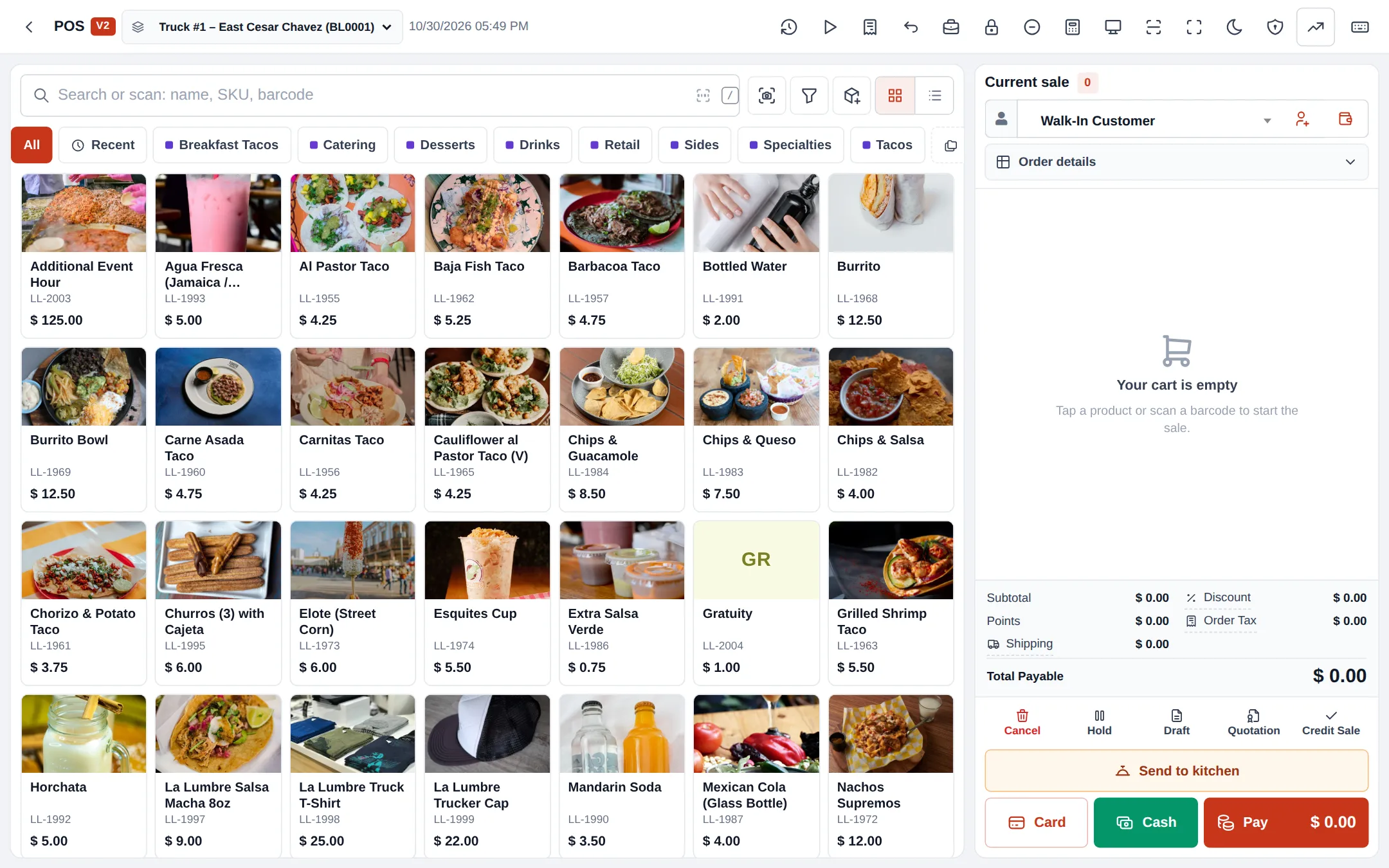
What you will set up
Section titled “What you will set up”- Trucks as locations and modules.
- A short, fast menu.
- Offline selling for spots without signal.
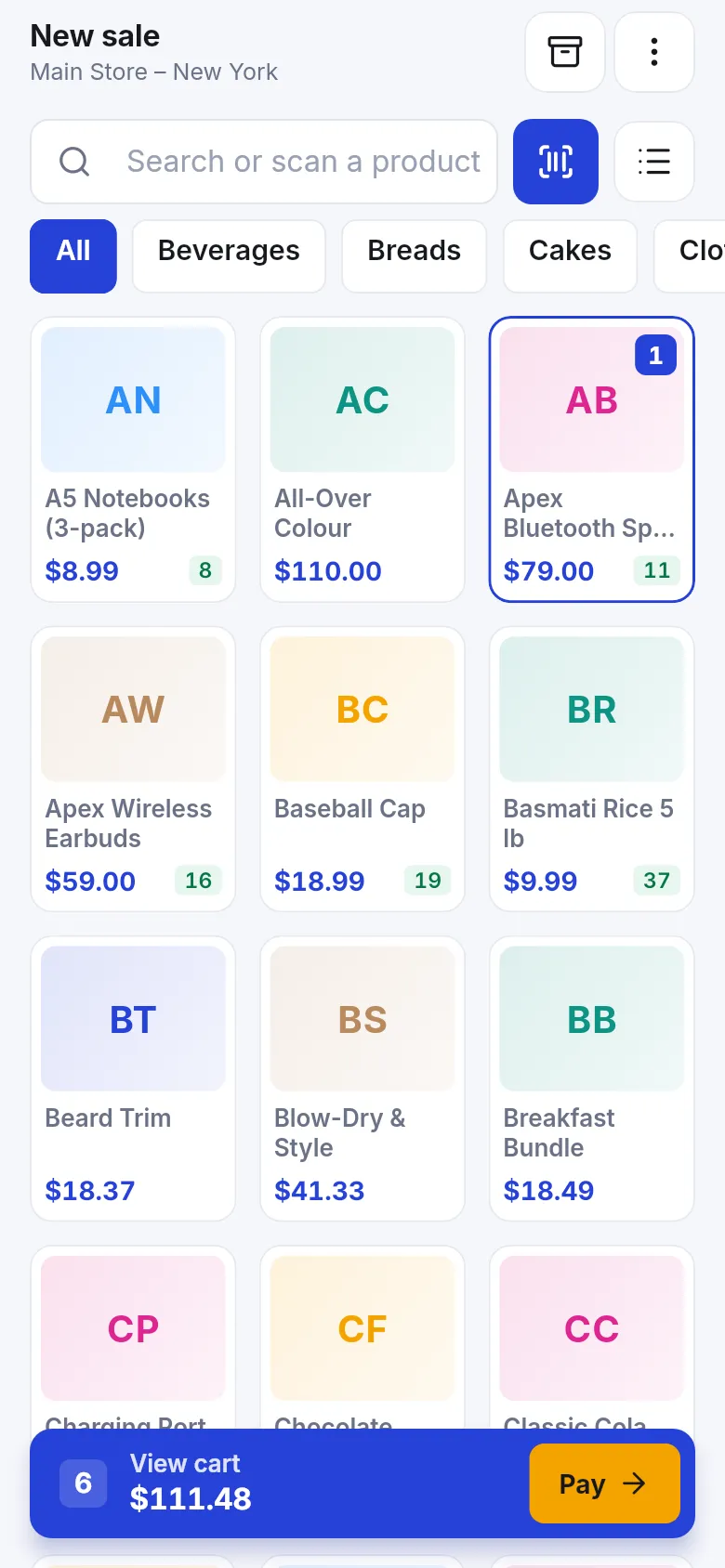
- Sell from a phone with the SmartPOS Business app.
- Cash denominations and closing.
- Catering orders and quotations.
- Daily operations.
- Go-live checklist.
Modules to turn on
Section titled “Modules to turn on”| Module | Where | Needed for |
|---|---|---|
| Offline POS | Settings › Business Settings › Modules | Selling without internet |
| Modifiers | Settings › Business Settings › Modules | Salsas, extra meat, no onions |
| Kitchen | Settings › Business Settings › Modules | Optional kitchen screen and Send to kitchen |
| Mobile app | On by default; options in Settings › Mobile app | The SmartPOS Business app for staff |
Time needed
Section titled “Time needed”| Part | Typical time |
|---|---|
| Steps 1–2 (trucks, menu) | 45–90 minutes |
| Steps 3–4 (offline device, phones) | 15 minutes per device |
| Steps 5–6 (cash, catering) | 20 minutes |
Shared guides you will use
Section titled “Shared guides you will use”Frequently asked questions
How do I run two trucks in one account?
Make each truck a business location. Each truck then has its own stock, cash register, receipts and sales reports, and you see the total for the business.
What happens when the truck has no signal?
With Offline POS on a registered device or the SmartPOS Business app, staff keep selling. Sales are saved encrypted on the device and sync by themselves when the internet is back.
Can I sell from a phone?
Yes. The SmartPOS Business app from Google Play has a full till with tiles, scanner, cash and card payments, receipts and offline selling.
How do I quote for a wedding or office lunch?
Create a quotation for the customer under Sell › Add Quotation, send or print it, and turn it into a sale when they accept. Take a deposit as a part payment.
Can the app count the cash in the drawer?
Cash denominations let cashiers count notes and coins when taking cash payments. At closing, the cash register shows the expected cash so you can compare it with the count.
Do I need a kitchen screen?
Not usually. Small trucks call out orders. If the cook stands apart from the window, a tablet with the kitchen display helps; see the restaurant guide.
Can customers order ahead?
Yes. An online menu widget or the SmartPOS Shopper app can take pickup orders when your store is set up for them. See the restaurant guide's online ordering step.
Will stock follow each truck?
Yes, if you track stock for items like cans and bottles. Load each truck with a stock transfer from your commissary or store.
Which plan do I need?
Offline POS and some online features depend on your plan. A module that isn't included shows a greyed card Not in your plan with See plans.
Can I try it first?
Yes. The public food truck demo listed on smartposhub.com shows a two-truck taco business with sales and catering quotes. It is read-only and resets every few days.