
Jewelry store setup guide for SmartPOS Hub
This guide sets up a jewelry store on SmartPOS Hub: gold, diamond, silver and fashion jewelry, often with a repair bench and custom orders. You record karat and weight on every piece, decide how making charges are billed, tag each piece with a serial and certificate number, take custom and engraving orders, let customers pay in instalments and run repairs.
Who this guide is for
Section titled “Who this guide is for”- Gold and diamond showrooms selling hallmarked, serialised pieces.
- Silver and fashion jewelry shops with many small items.
- Jewelers with a workshop for custom pieces, resizing and repairs.
What you will set up
Section titled “What you will set up”- Showroom and modules: location, modules, categories, brands and warranties.
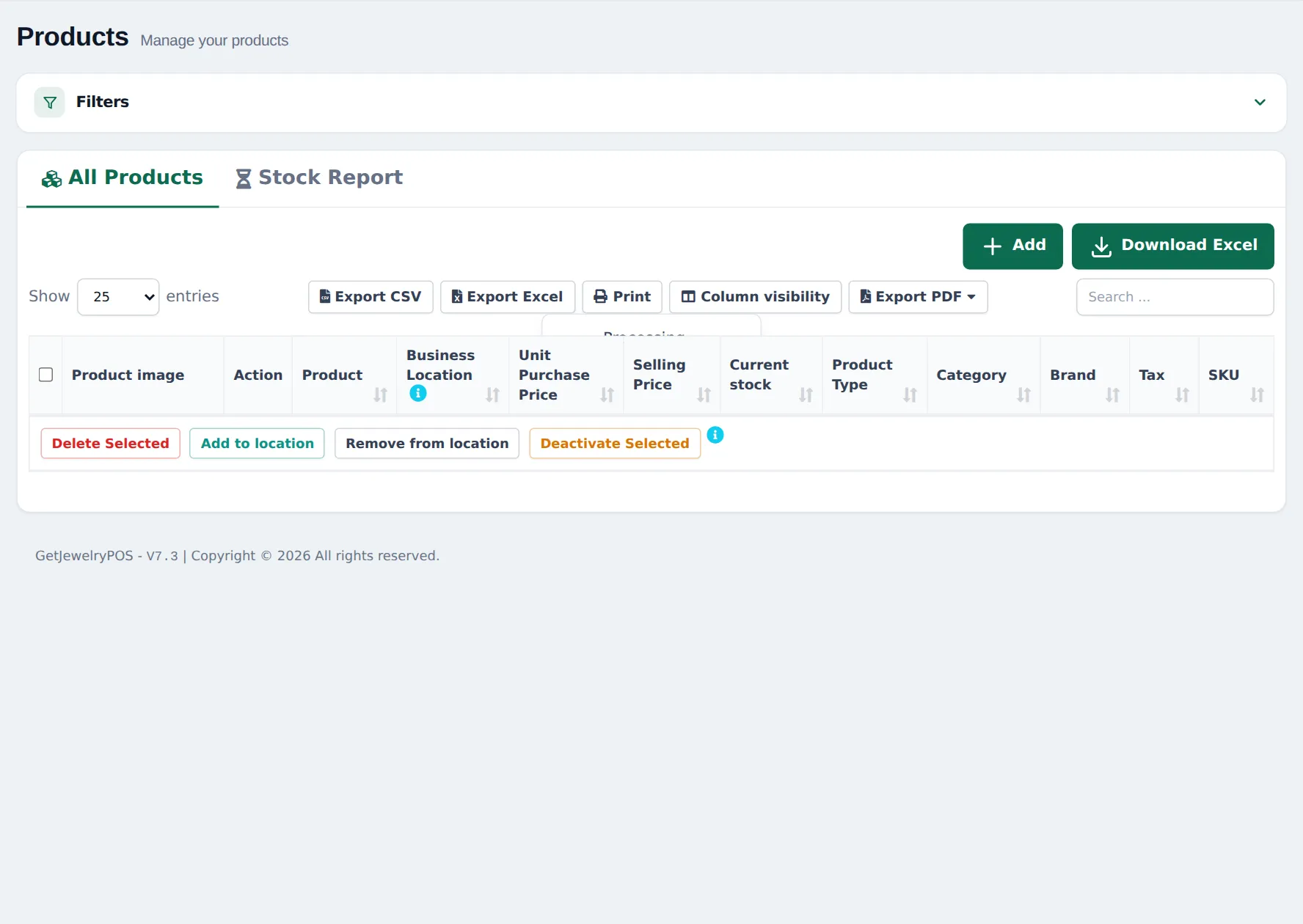
- Karat, weight and stone details with product fields.
- Prices and making charges.
- Serial tags, certificates and warranties.
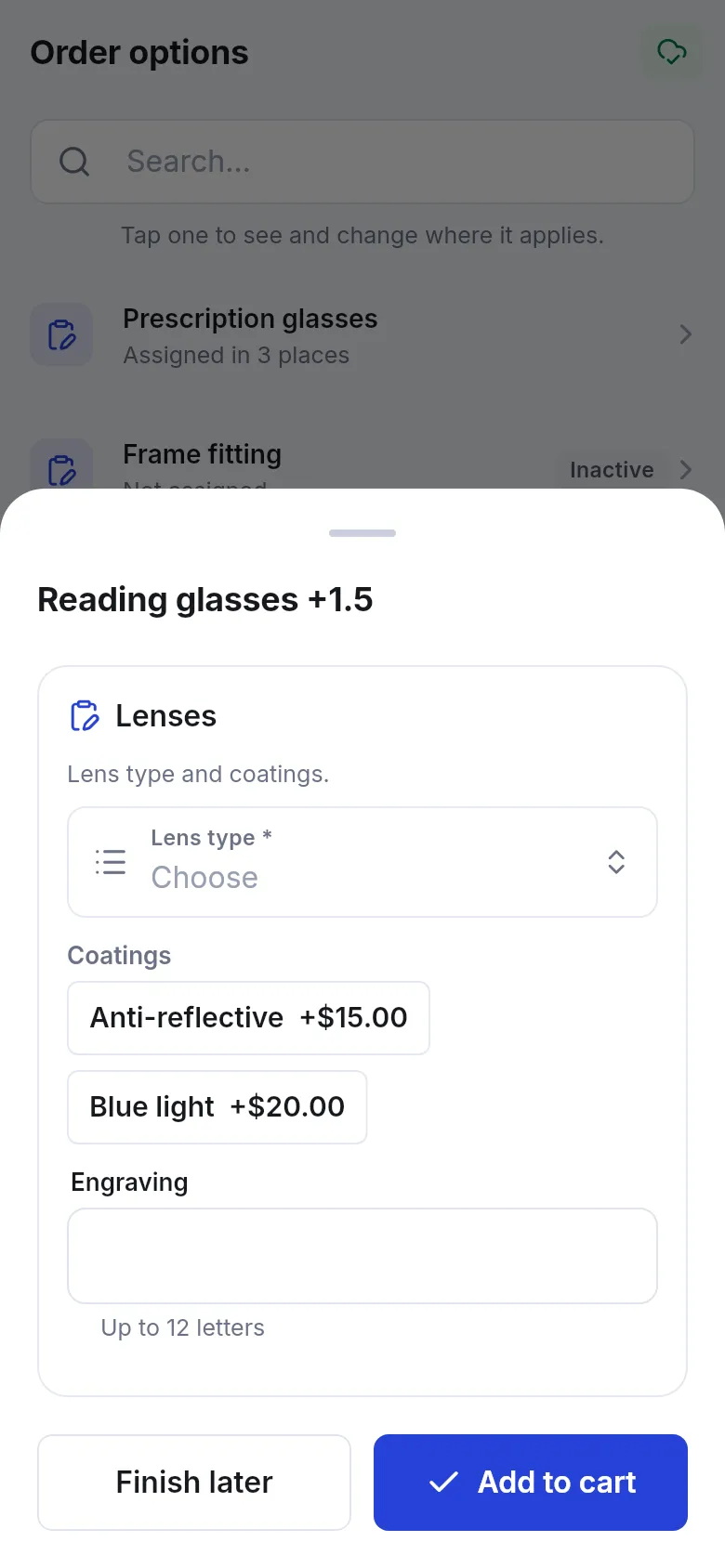
- Custom orders and engraving.
- Part payments and layaway.
- Repairs: resizing, soldering, polishing.
- Daily operations and the go-live checklist.
The features a jewelry store uses
Section titled “The features a jewelry store uses”| Need | Feature | How to turn it on |
|---|---|---|
| Karat, weight, stones | Product fields | Always on: Products › Product fields |
| Tag and certificate numbers | Serial number on the product | Product setting, no module |
| Warranties and free polishing | Warranties | Products › Warranties |
| Custom pieces, engraving | Order options & personalisation | Settings › Business Settings › Modules › Industry modules (if in your plan) |
| Repairs | Repair module | Settings › Business Settings › Modules › Industry modules (if in your plan) |
| Instalments | Part payments | Always on |
| Jewelry invoice | Invoice Designer | Settings › Invoice Settings |
A module that is not in your plan shows as a greyed card Not in your plan with See plans.
Frequently asked questions
Can I record karat, metal weight and stones on each piece?
Yes. Import the Jewellery group in Products › Product fields. Every jewelry product then has Metal, Karat / purity, Stone, Stone weight, Metal weight, Hallmarked and Size fields, shown in the product and on your website.
Does SmartPOS Hub calculate prices from today's gold rate?
No, there is no automatic gold-rate calculator. You set the selling price (weight × rate + making charge) on each piece and update prices in bulk with Products › Update Price when the rate changes, or sell by the gram. Step 3 shows the options.
How do I charge making charges?
Either include them in the piece's selling price, or add a Making charge service line to the sale. For custom orders, order option fields can add a price automatically.
Can every piece have its own tag number and certificate number?
Yes. Switch on Enable Product description, IMEI or Serial Number on the product. The cashier types the tag number and certificate number on the sale line and they print on the invoice.
Can I take custom ring and engraving orders?
Yes, with Order options & personalisation. Ready-made Jewelry forms ask for ring size, metal and stone, engraving text, certificate and a due date, and track the order until it is collected.
Can customers pay in instalments (layaway)?
Yes. Sell the piece with a deposit as a part payment. The rest stays due on the invoice and you add each instalment with Add payment until it is paid.
Can I run a repair desk for resizing and soldering?
Yes, with the Repair module. Job sheets record the piece, the work, the goldsmith, the estimate and the customer's approval, and the bill goes through the POS.
Can I accept old gold as part payment?
You can rename a custom payment method to Old gold exchange in Settings › Business Settings › Custom Labels and use it at the till. Record what you take in as you would any purchase.
Is there a jewelry invoice design?
Yes. The Invoice Designer has a Jewellery invoice template (A4) with purity (karat), weight and a certificate note.
Do staff need an app?
No, everything works in the browser. Staff who sell or take repairs on the floor can use the SmartPOS Business app from Google Play.