
Hardware store and lumber yard setup guide
This guide sets up a hardware store, building-supply store or lumber yard on SmartPOS Hub, step by step. You finish with your stores and yard as locations, a large catalog loaded from a spreadsheet, boxes and pieces, cut lengths, contractor house accounts with their own prices, quotes that turn into invoices, and purchase orders to your suppliers.
Who this guide is for
Section titled “Who this guide is for”- Neighbourhood hardware stores with tens of thousands of small parts, fasteners and tools.
- Lumber yards and building-supply stores that sell boards, bags and pallets and deliver to sites.
- Paint, plumbing and electrical supply shops that serve both walk-in DIY customers and trade accounts.
If you mostly sell to other shops in cartons, the wholesale & distribution guide fits better.
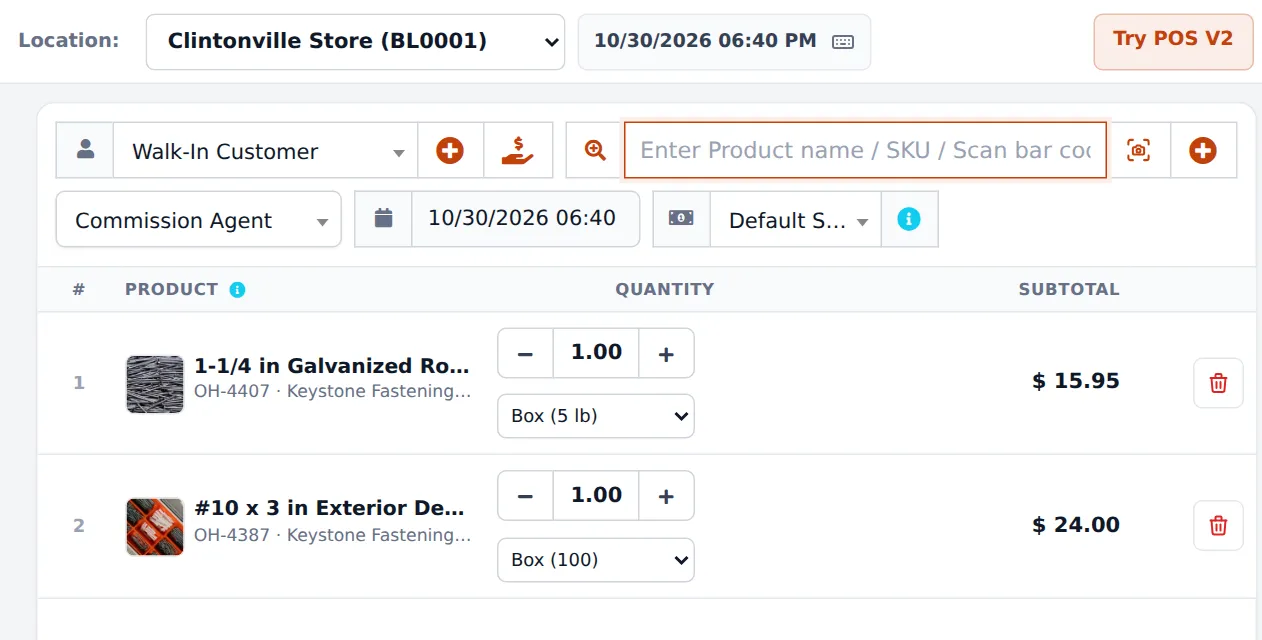
What you will set up
Section titled “What you will set up”- Stores, yard and settings: one location per store or yard, and the business settings a hardware store needs.
- Units: boxes, pieces and lengths: base units, sub-units and decimal lengths.
- Load a large catalog: spreadsheet import, categories, brands, barcodes and opening stock.
- Contractor accounts and price groups: trade prices, credit limits and pay terms.
- Quotes to invoices: job quotes for contractors and turning them into sales.
- Purchase orders and receiving: order from suppliers and receive into the right location.
- Daily operations and the go-live checklist.
How the pieces fit together
Section titled “How the pieces fit together”| You want to… | Where it happens | Notes |
|---|---|---|
| Sell nails by the pound and by the 5 lb box | Products › Units, product Related Sub Units | Needs Enable Sub Units |
| Load 10,000 items at once | Products › Import Products | Download the template, fill it, upload |
| Give contractors 10 % off | Products › Selling Price Group + Contacts › Customer Groups | Price group linked to the customer group |
| Let a contractor buy now, pay in 30 days | Customer Pay term and Credit Limit, POS Credit Sale | Collect later with Add payment |
| Quote a deck package | POS Quotation or Sell › Add Quotation | Quotes do not touch stock |
| Order from the co-op | Purchases › Purchase Order | Receive with Purchases › Add Purchase |
| Move lumber from the yard to the store | Stock Transfers › Add Stock Transfer | Statuses Pending, In Transit, Completed |
Staff on the shop floor
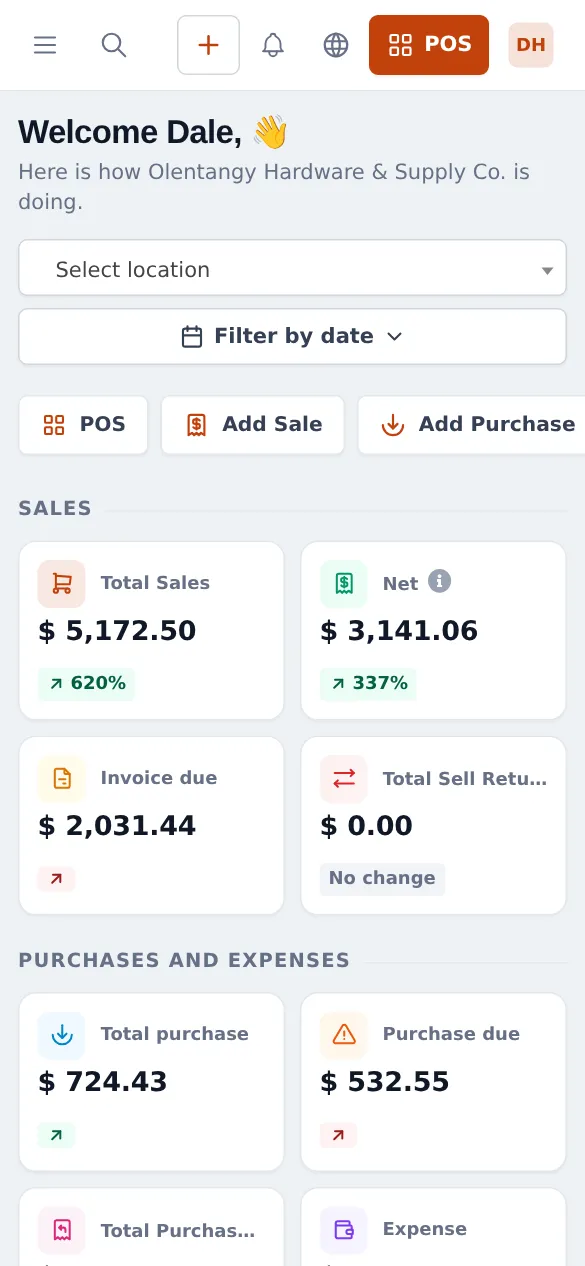
Section titled “Staff on the shop floor”Floor staff and the pro desk can check stock and prices, scan items and sell from a phone with the SmartPOS Business app (Google Play). The web app also works in a phone browser.
Related guides
Section titled “Related guides”Frequently asked questions
Can SmartPOS Hub handle thousands of hardware SKUs?
Yes. Load them with Products › Import Products from a spreadsheet, print barcode labels, and find any item at the till by scanning or typing part of the name or SKU. Categories and brands keep the list tidy.
Is there a ready-made hardware catalog in the Product Library?
Not today. The Product Library has Mart, Pharmacy and Electronics catalogs. Hardware stores import their own list from their supplier or co-op file with Products › Import Products.
Can I sell screws by the piece and by the box?
Yes. Create a base unit such as Pieces and sub-units such as Box (100), switch on Enable Sub Units, and pick the sub-units on the product. The cashier chooses Box (100) or Pieces on the sale line and stock is counted in pieces.
Can I sell rope, chain or wire by the foot or metre?
Yes. Use a length unit such as Ft or Metre with Allow decimal set to Yes, so the cashier can type 2.5. Add a Spool or Coil sub-unit if you also sell the whole roll.
How do contractor accounts work?
Each contractor is a customer with a credit limit and a pay term (for example 30 days). Put them in a customer group linked to a Contractor price group so they get their prices automatically, sell on Credit Sale and collect later.
Can I quote a deck package and turn it into an invoice later?
Yes. Save the quote with the Quotation button or Sell › Add Quotation, print or share it, and when the contractor accepts, open it and finish it as a sale. Quotes do not change stock.
Do purchase orders add stock?
No. A purchase order records what you asked the supplier for. Stock is added when you record the purchase with status Received, which you can link to the purchase order.
Can I run the store and the lumber yard as separate locations?
Yes. Add one business location per store or yard, receive stock where it arrives, and move it with stock transfers. Reports filter by location.
Can I cut keys, mix paint or cut glass and charge for it?
Yes. Add each service as a product with Manage Stock switched off, for example Key cutting or Glass cutting. With the Order options module you can also capture details such as the paint colour code or cut size on the sale line.
Which plan do I need?
The POS, products, units, price groups, quotations, purchases and purchase orders are in every plan. The online store, Order options and some other modules depend on your plan. Settings › Package Subscription shows what is included.