
Florist and flower shop setup guide for SmartPOS Hub
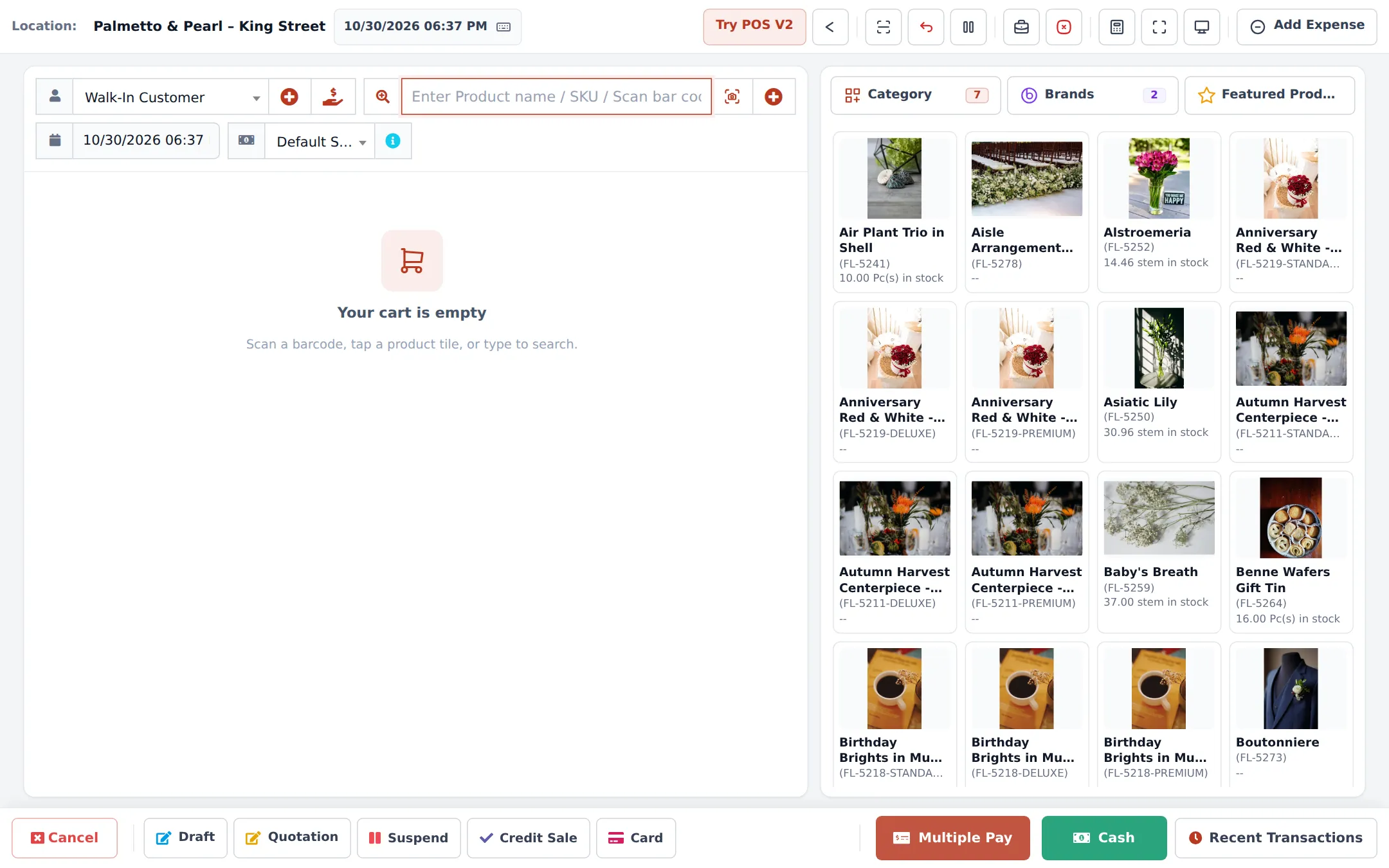
This guide sets up a florist on SmartPOS Hub: loose stems and bunches that wilt within days, ready-made bouquets and vases, made-to-order arrangements, deliveries with a card message, and weddings and events. You set up units and freshness, build arrangements from stems, record wastage, take delivery orders and bookings, and sell in the shop and online.
Who this guide is for
Section titled “Who this guide is for”- Flower shops selling loose stems, bouquets and plants.
- Delivery florists taking phone, walk-in and online orders for a date and time.
- Event and wedding florists who quote, take deposits and build to order.
What you will set up
Section titled “What you will set up”- Shop and modules: location, modules, categories, settings for expiry and sub-units.
- Stems, bunches and freshness.
- Arrangements and recipes: combos and Manufacturing recipes.
- Wastage: wilted, damaged and unsold flowers.
- Delivery orders and card messages.
- Events and bookings.
- Sell in the shop and online.
- Daily operations and the go-live checklist.
The features a florist uses
Section titled “The features a florist uses”| Need | Feature | How to turn it on |
|---|---|---|
| Stems and bunches | Sub-units | Settings › Business Settings › Product › Enable Sub Units |
| Freshness | Lots and expiry | Enable Product Expiry (Product tab), Enable Lot number (Purchases tab) |
| Bouquets from stems | Combo products / Manufacturing | Combo: always on. Manufacturing: Settings › Business Settings › Modules › Industry modules |
| Card message, delivery slot | Order options & personalisation | Settings › Business Settings › Modules › Industry modules |
| Consultations, events | Bookings | Settings › Business Settings › Modules |
| Online orders and delivery | Website & online store, Shopper app | Settings › Business Settings › Modules |
A module that is not in your plan shows as a greyed card Not in your plan with See plans.
Frequently asked questions
Can I buy roses by the bunch and sell them by the stem?
Yes. Make Stem the main unit and add sub-units such as Bunch of 10 and Bunch of 25. You can buy and sell in any of them; stock is always counted in stems.
Can I track how fresh my flowers are?
Yes. Switch on product expiry and lot numbers. Each delivery gets a lot and an expiry date, and you decide what happens to expired stock.
How do I make a bouquet from stems?
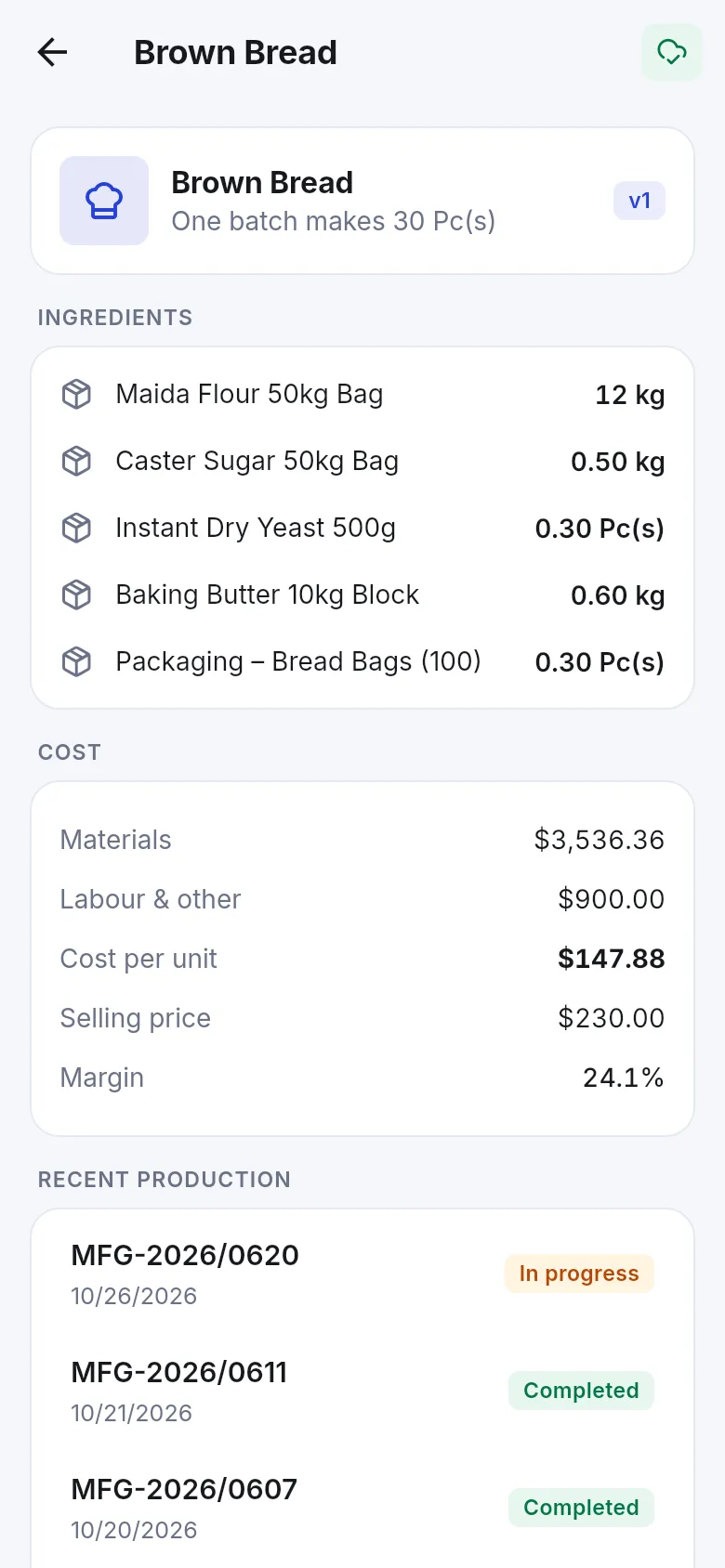
Two ways. A combo product takes its stems from stock when you sell it. A Manufacturing recipe lets you make ready-made bouquets in batches, with the real cost per bouquet.
How do I record wilted flowers?
With a stock adjustment (stock is removed and the loss recorded), or as wastage with a reason when you complete a production batch.
Can I take a delivery order with a card message and time slot?
Yes, with the Flower delivery form of Order options & personalisation. It asks for the occasion, the card message, the recipient, the delivery address, date and time slot.
Can customers order flowers online for delivery?
Yes. The online store and the SmartPOS Shopper app offer delivery with your delivery areas and prices, and pickup.
Can I book wedding and event consultations?
Yes, in Bookings. Customers can also book online, and the Event flowers form records the event, date, color theme and venue.
Do funeral homes or event planners get their own prices?
Yes. Create selling price groups such as Funeral Homes or Trade (designers & planners) and link them to the customer.
Can I run a Valentine's or Mother's Day offer?
Yes. Sell › Discounts with dates, for the shop, the website or both.
Is there a ready-made florist category list?
Yes. Products › Categories › Import prebuilt › Flowers & gifts.