
Daily operations in a liquor store
Opening
Section titled “Opening”- Open the register at each till (Sell › POS, Cash in hand, Open Register).
- Check the dashboard for low stock and Purchase Payment Due.
- Check Reports › Stock Expiry Report for beer and mixers close to their date and put them on offer.
During the day
Section titled “During the day”- Every alcohol sale: complete the age check when the window opens (step 3).
- Cases: switch the line unit to Case or scan the pack barcode (step 2).
- Trade orders: pick the customer first so trade prices apply; use Credit Sale for accounts.
- Deliveries: record them as purchases with lots and dates (step 5).
- Breakage: record a stock adjustment straight away.
Closing
Section titled “Closing”- Close each register and count the cash.
- Check Reports › Z Report.
- Look at Sell › All sales for today’s credit sales.
Weekly and monthly
Section titled “Weekly and monthly”| When | What | Where |
|---|---|---|
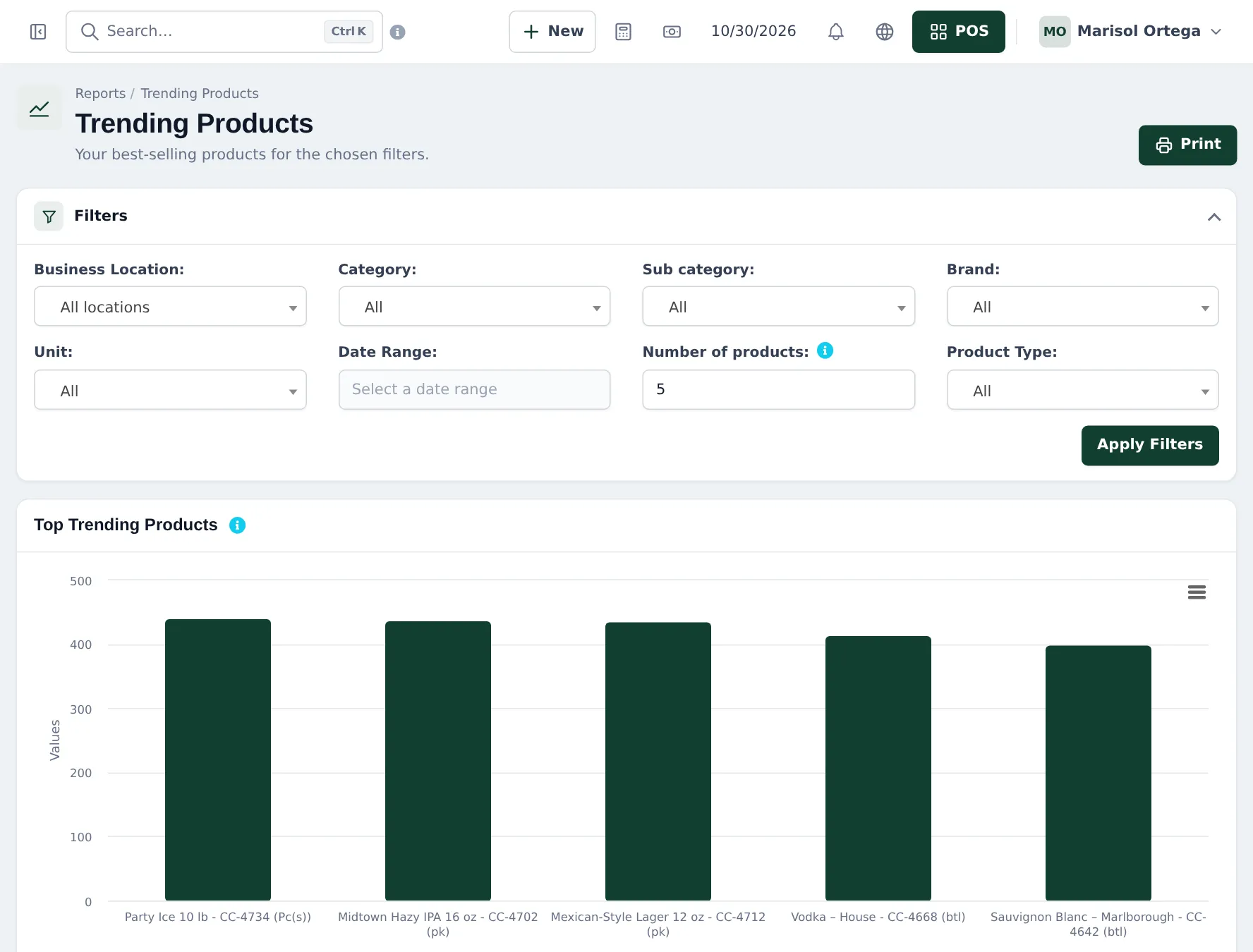
| Weekly | Best sellers and slow movers | Reports › Trending Products, Reports › Stock Report |
| Weekly | Expiring lots | Reports › Lot Report |
| Weekly | Trade balances | Reports › Payment by Age |
| Monthly | Spirits count | Stock counts |
| Monthly | Profit per store | Reports › Profit / Loss Report |
Frequently asked questions
What should I check every morning?
Low stock on the dashboard, deliveries due today, and expiring beer in the Stock Expiry Report.
How do I see my best sellers?
Reports › Trending Products for the top products in a date range, or Reports › Product Sell Report grouped by category or brand.
How do I handle a refused sale?
Remove the line or cancel the sale. Nothing is saved for a cancelled sale.
Where do I see what trade customers owe?
Reports › Supplier & Customer Report or the customer page; overdue invoices in Reports › Payment by Age.