
Wholesale step 6: supplier purchases and stock
On the buying side a distributor orders from manufacturers, receives full trucks into the main warehouse, pays on 30 to 60 days, and replenishes depots every few days.
Before you start
Section titled “Before you start”- Suppliers in Contacts › Suppliers with pay terms.
- Carton units on products (step 2).
Order and receive
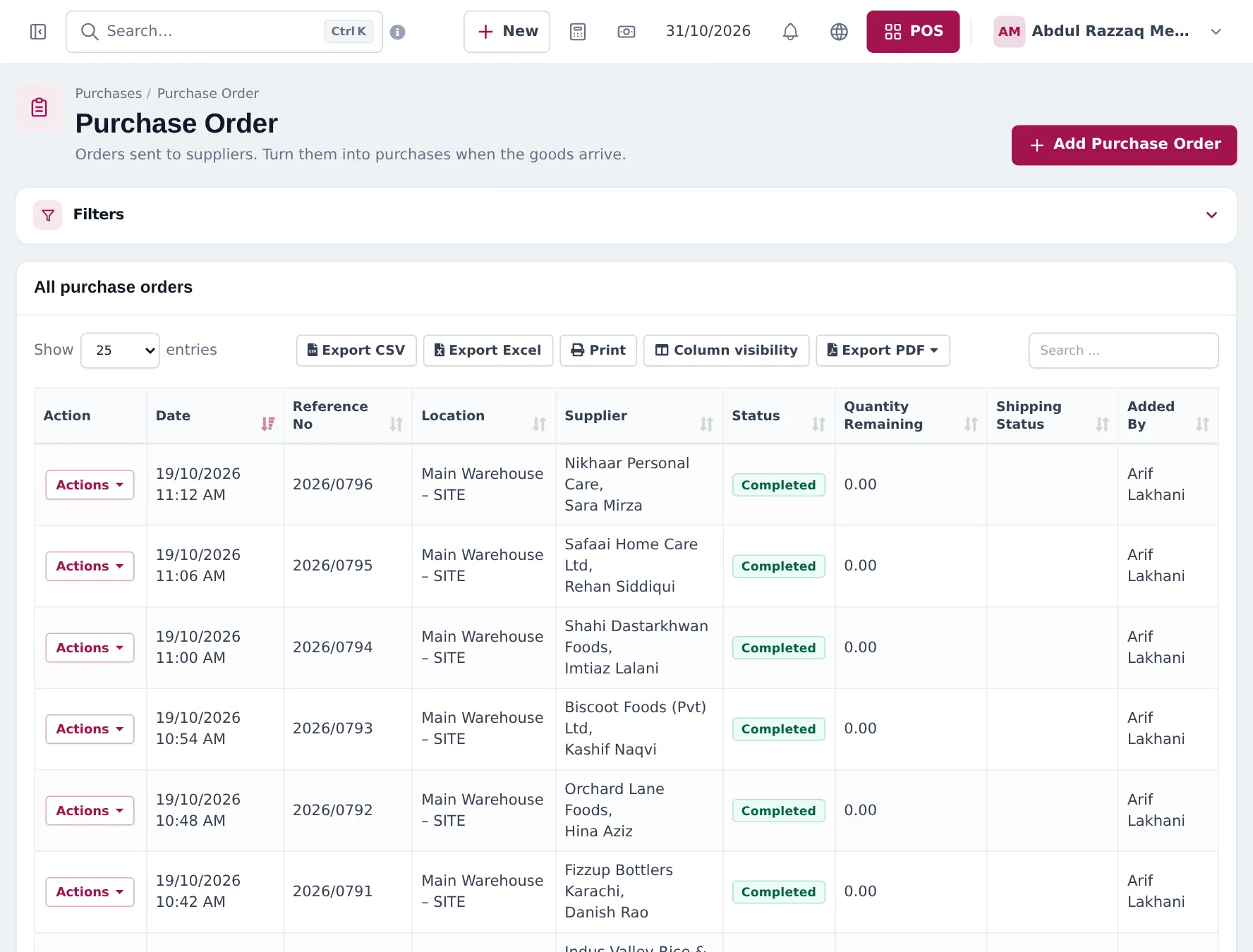
Section titled “Order and receive”- Purchases › Purchase Order › Add Purchase Order: supplier, receiving location, products in cartons, unit cost. Save and send it.
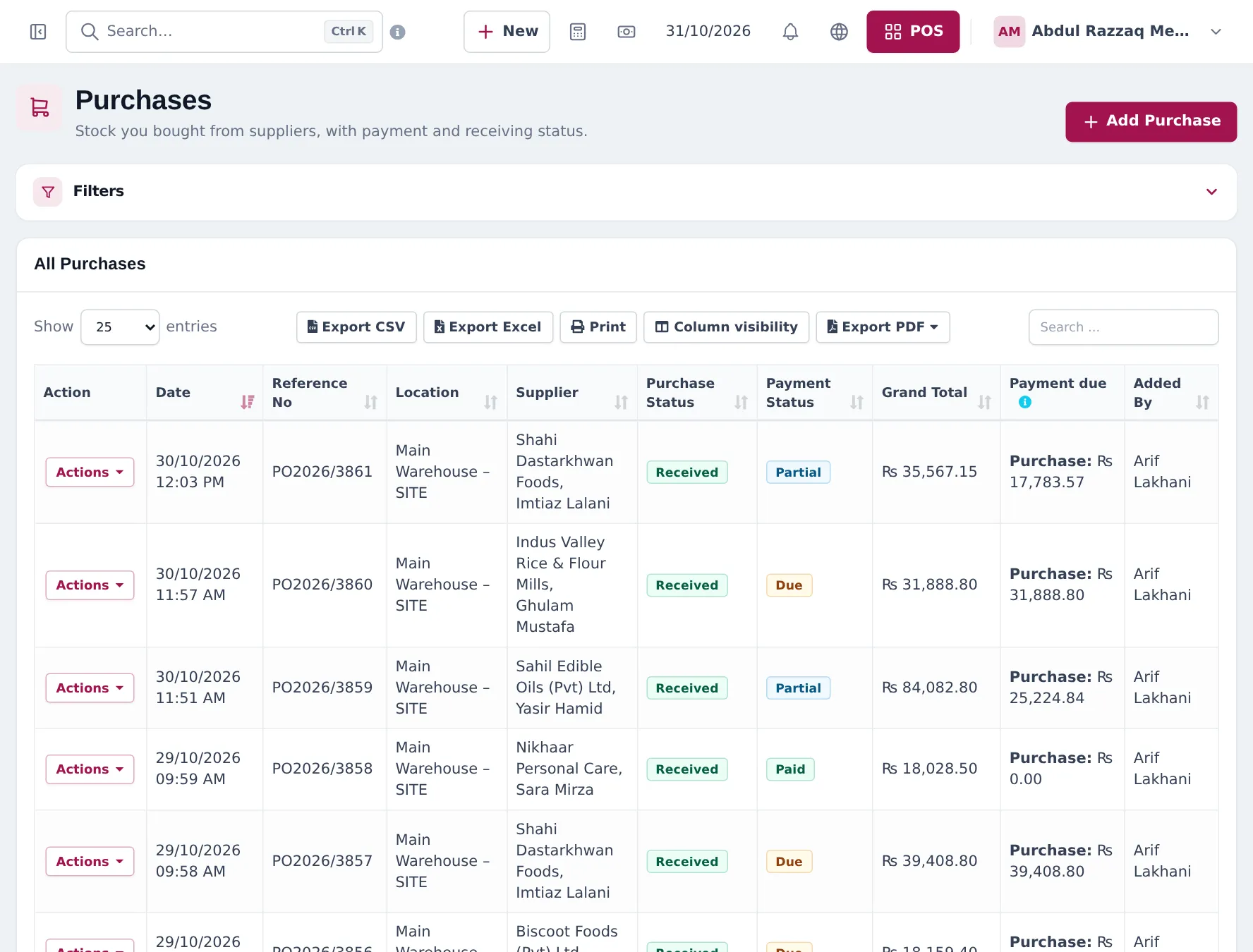
- When the truck arrives: Purchases › Add Purchase, same supplier, pick the order in Purchase Order, check quantities, enter lot numbers and expiry dates, Purchase Status Received.
- Enter what you pay now (or 0) and save. Stock goes up in pieces.
Replenish the depots
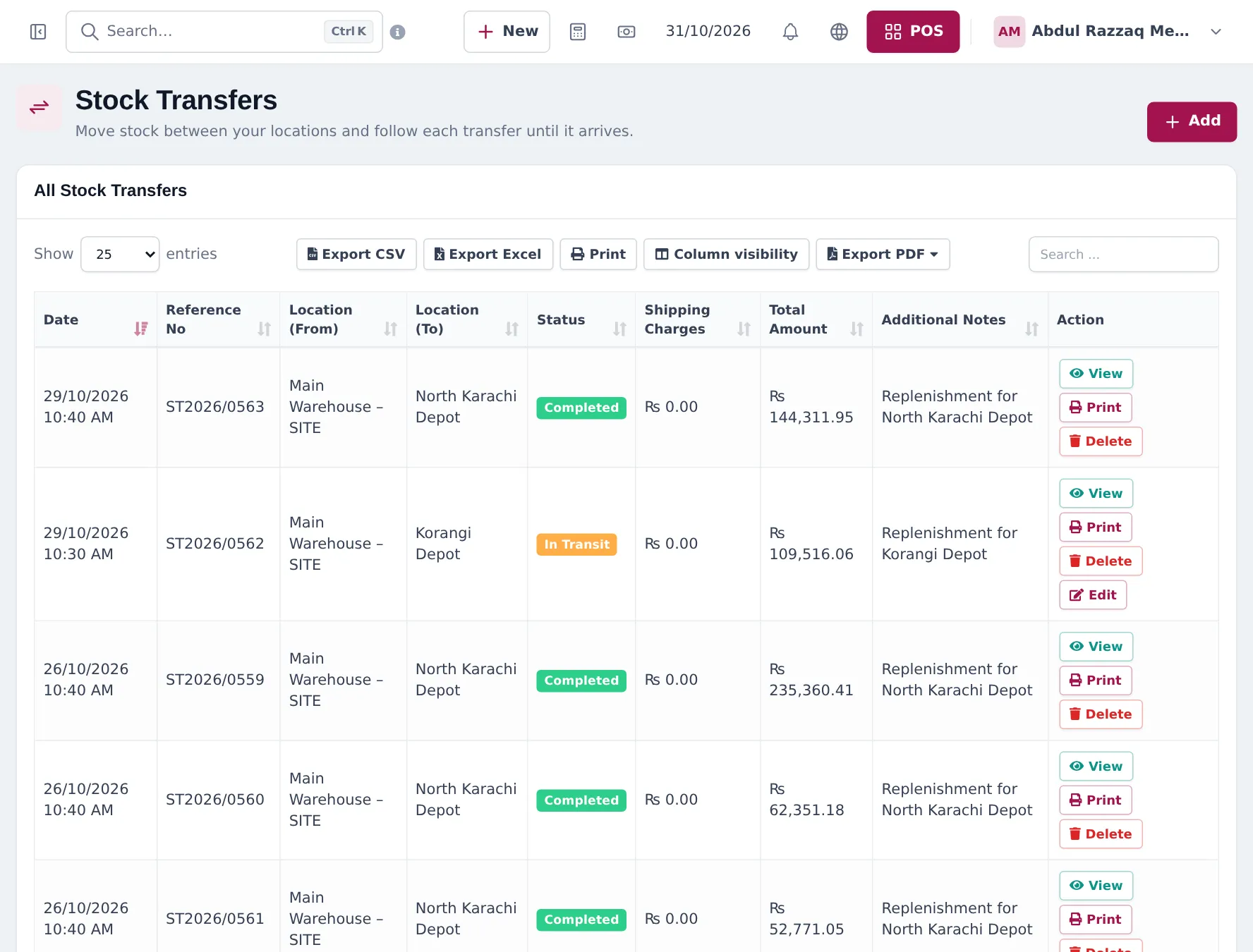
Section titled “Replenish the depots”- Open Stock Transfers › Add Stock Transfer (the Add button on the list).
- Location (From) Main Warehouse, Location (To) the depot, status Pending or In Transit while the truck is on the road.
- Add products in cartons, any Shipping Charges and a note. Save.
- When the depot receives it, edit the transfer and set Completed.
Check stock by location
Section titled “Check stock by location”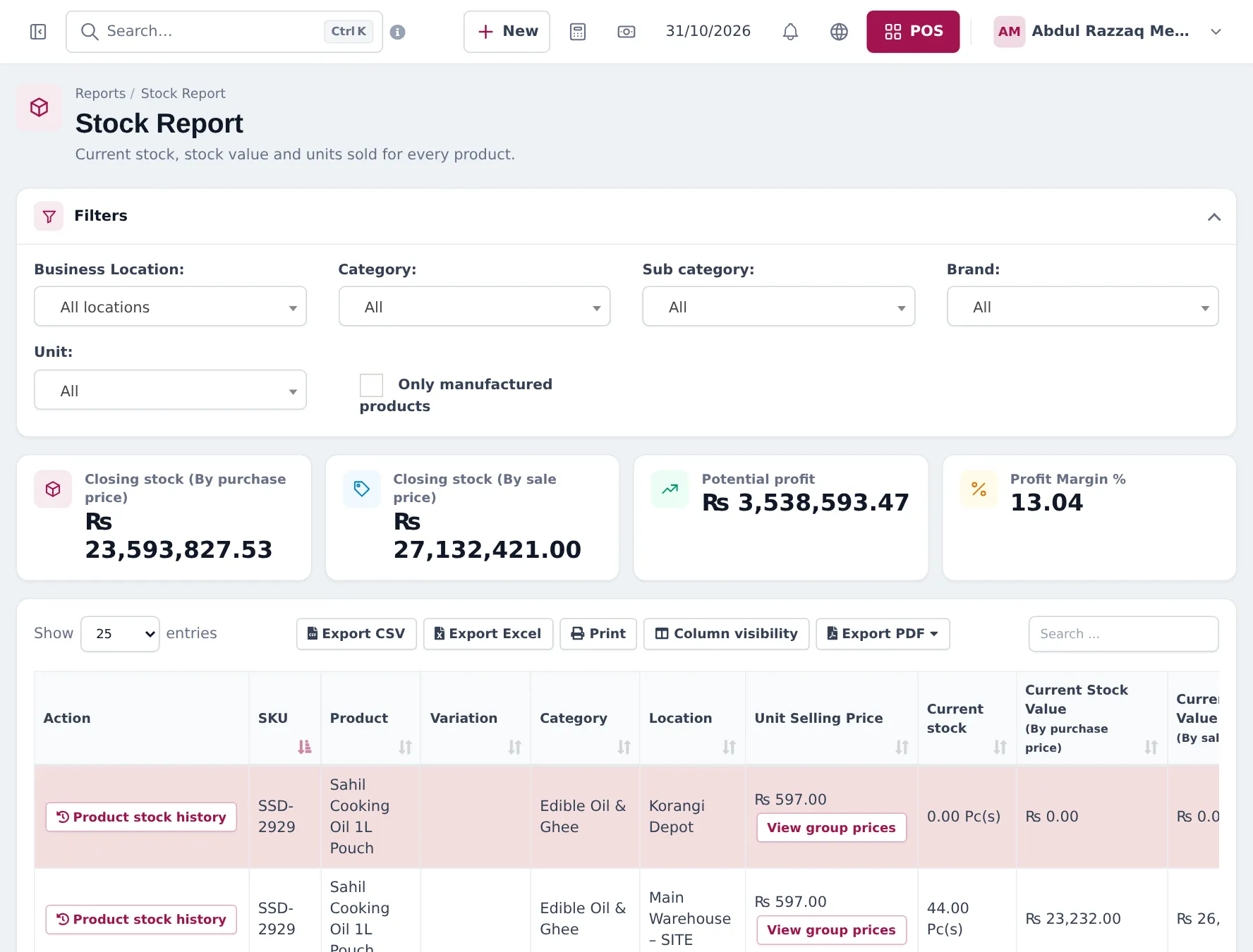
Pay suppliers
Section titled “Pay suppliers”Use Actions › Add payment on a purchase, or Pay on the supplier for several at once. Reports › Purchase Payment Report and the dashboard’s Purchase Payment Due show what is owed. See supplier payments and credit.
Next: daily operations and reports.
Frequently asked questions
Where should deliveries from manufacturers go?
Into the location where the truck unloads, usually the main warehouse. Then transfer stock to depots with Stock Transfers.
Does a stock transfer change stock at once?
Stock moves when the transfer is Completed. Pending and In Transit transfers show goods on the way.
How do I see stock in every warehouse?
Reports › Stock Report with All locations shows one row per product and location, with stock, value and potential profit.
How do I pay suppliers on credit?
Save the purchase with nothing or part paid and a pay term, then pay later with Add payment on the purchase or Pay on the supplier.
Can I return damaged cartons to the supplier?
Yes, with Purchases › List Purchase Return. It reduces stock and what you owe the supplier.