
Car wash and detailing setup guide
This guide sets up a car wash, express tunnel, full-service wash or detailing shop on SmartPOS Hub. You finish with wash packages priced by vehicle size, add-ons, detailing services that can be booked online, crew with commission, a view of today’s cars, a fast checkout with tips, and wash club memberships.
Who this guide is for
Section titled “Who this guide is for”- Express tunnel washes that sell a few packages very fast.
- Full-service washes with interior cleaning and a crew per car.
- Detail shops that book long jobs (interior detail, paint correction, ceramic coating) by appointment.
- Mobile detailers who take bookings and payments on a phone.
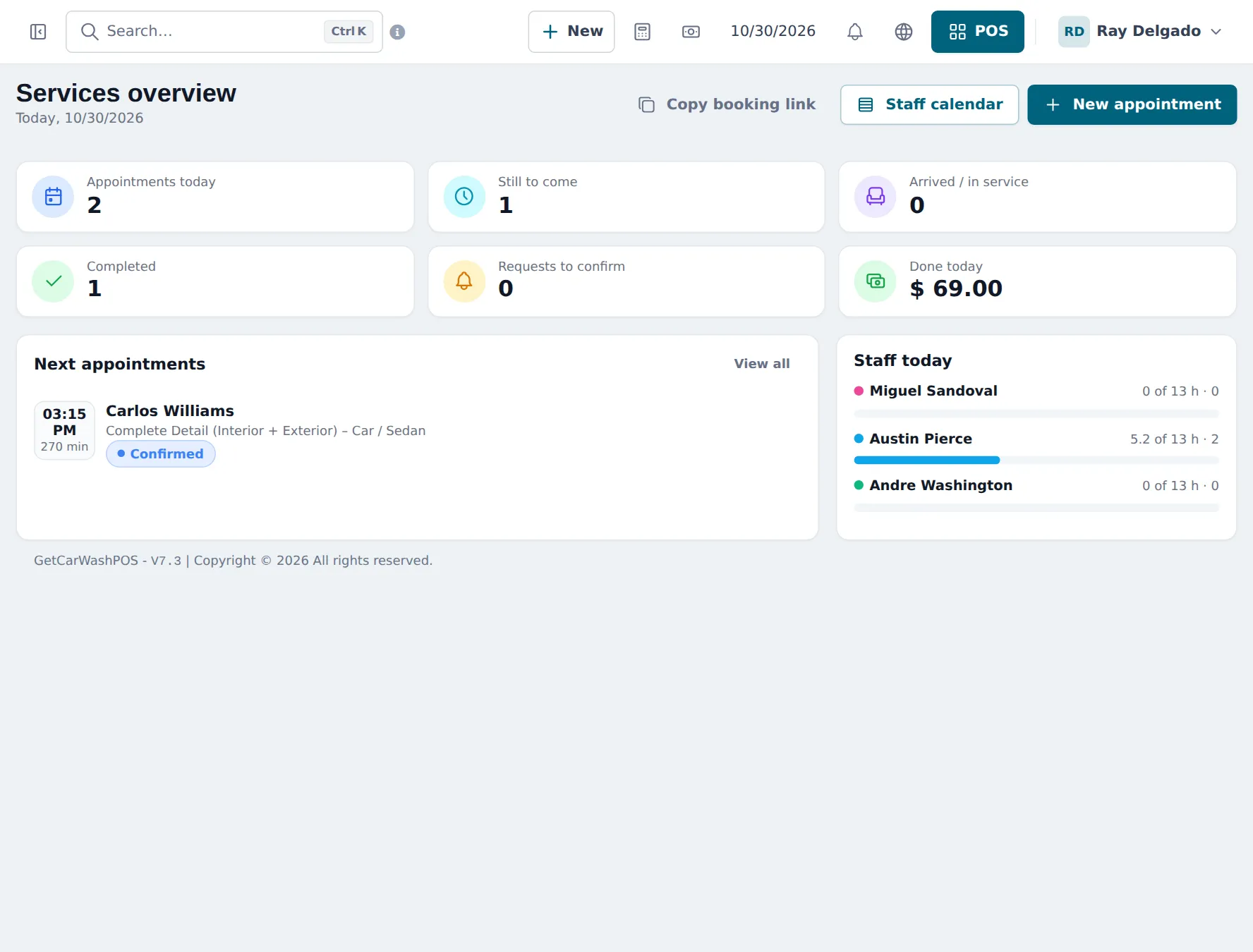
What you will set up
Section titled “What you will set up”- Turn on Services and Bookings: sites, modules and opening hours.
- Wash packages and add-ons: tunnel packages, vehicle-size prices, detailing services and retail.
- Crew, hours and commission: staff, services they do, working hours and commission.
- Bookings and the queue: online booking, walk-ins, check-in and today’s line.
- Fast checkout, tips and wash clubs: POS, gratuity, memberships and gift cards.
- Daily operations and the go-live checklist.
How the pieces fit together
Section titled “How the pieces fit together”| You want to… | Where it happens | Module or setting |
|---|---|---|
| Sell an express wash in one tap | Sell › POS | Product without stock |
| Charge more for an SUV | Variable product with Vehicle size | Core |
| Book a 4-hour detail | Services › Services, booking page | Services module |
| See who is waiting | Bookings, Services › Overview | Services / Bookings |
| Pay crew commission | Services › Staff, Services › Reports | Services module |
| Add a tip | Gratuity product | Core |
| Sell a monthly wash club | Membership product, customer group | Core (Recurring invoices optional) |
On a phone
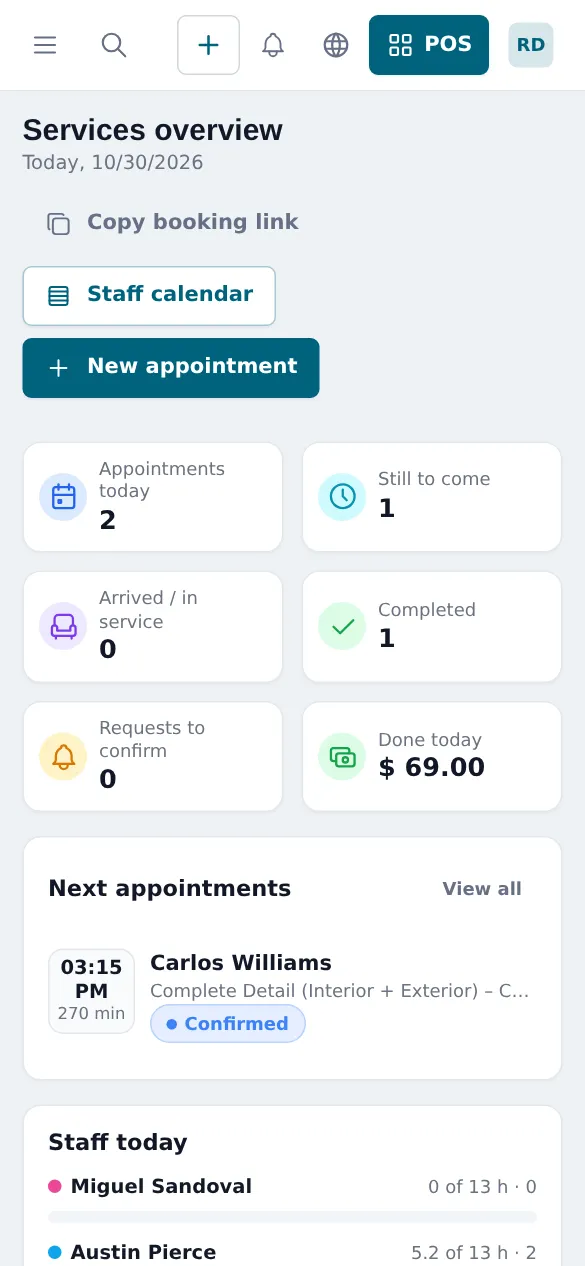
Section titled “On a phone”The whole web app works in a phone browser, and staff can use the SmartPOS Business app (Google Play) to sell and see their appointments in My day.
Related guides
Section titled “Related guides”Frequently asked questions
How do I set up wash packages?
Quick tunnel washes are products without stock (Express Wash - Basic, Shine, Ceramic…). Longer jobs such as detailing are services in the Services module with a duration, price and the crew who perform them, so they can be booked.
Can a package cost more for an SUV or a truck?
Yes. Make the package a variable product with a Vehicle size variation (Car / Sedan, Small SUV / Crossover, Large SUV / Truck / Minivan). The cashier taps the package and picks the size.
Can customers book a detail online?
Yes. With the Services module on, you get an online booking page. Customers pick a service, a time and optionally a staff member, and you can ask for a deposit to confirm.
How do I see the cars waiting today?
Bookings and Services › Overview show today's appointments, who has arrived or is in service, and today's arrivals with Check in and No-show buttons. Walk-ins can be added too.
Is there a tip button?
There is no separate tip field. Create a product called Gratuity without stock and add it to the sale; with a price of 1.00 the quantity is the tip amount.
Can I sell monthly wash club memberships?
You can sell a membership as a product (for example Full Service Club, monthly) and use a customer group for member prices. There is no automatic unlimited-wash check or plate recognition. With the Recurring invoices module, you can let the monthly invoice be created automatically.
Does the crew earn commission?
Yes. Each staff member in Services has a commission percentage or amount, and Services › Reports and Reports › Service Staff Report show what each person earned.
Can I sell air fresheners, drinks and towels too?
Yes. They are normal products with stock on the same POS screen.
Can I run two wash sites?
Yes. Each site is a business location with its own sales, stock and staff hours.
Which plan do I need?
The POS and products are in every plan. The Services and Bookings features depend on your plan. Settings › Package Subscription shows what is included.